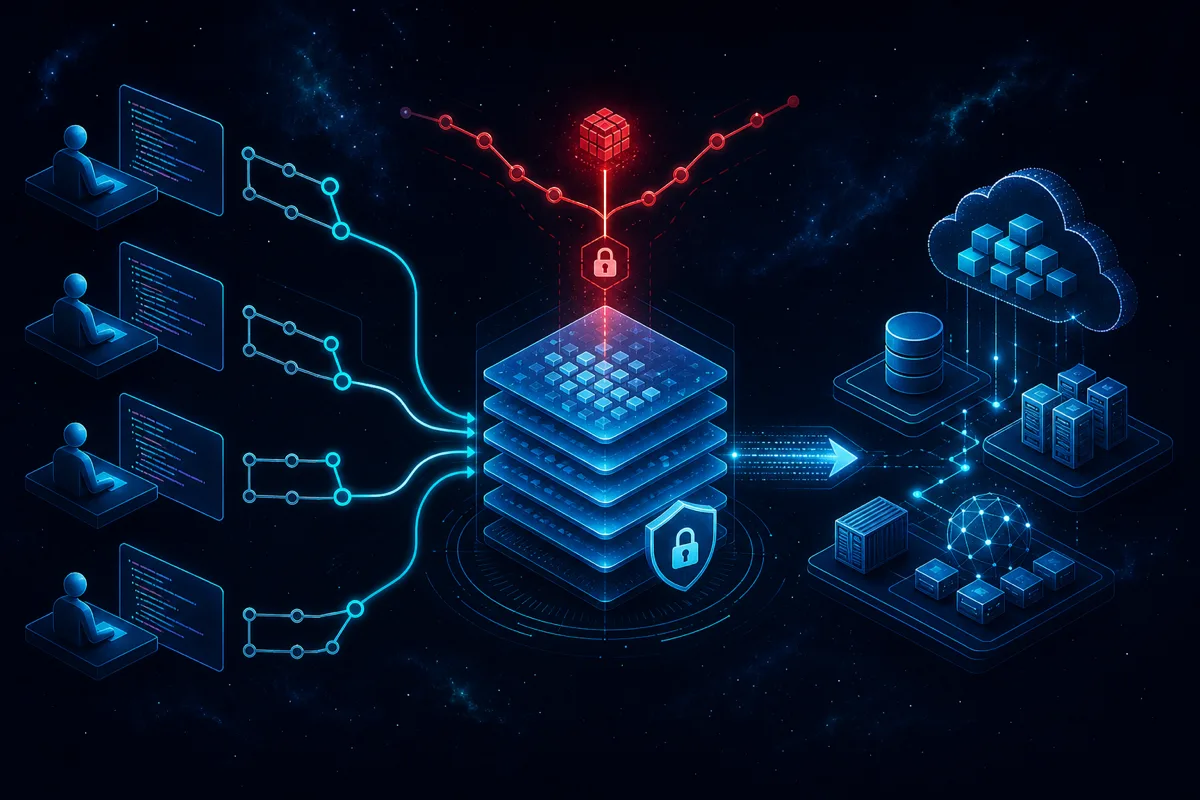
Terraform state management becomes a critical reliability concern at enterprise scale. A monolithic state file that worked for 5 infrastructure engineers becomes a bottleneck, blast radius, and corruption risk for 20. The patterns in this post reflect how to structure state for teams that need parallel work, strong blast radius controls, and reliable remote state without downtime during CI runs.
Why Local State is Never Acceptable for Teams
Local state (terraform.tfstate in the working directory) fails for team environments on multiple dimensions:
- No locking: Two engineers running
terraform applysimultaneously can corrupt state - No version history: State overwrites without audit trail
- Not shareable: CI/CD pipelines can't access state on an engineer's laptop
- No disaster recovery: Losing the laptop means losing state, which means your infrastructure is now unmanaged
The only acceptable production state backend is remote with locking. S3 + DynamoDB is the most common AWS-native choice:
terraform {
  backend "s3" {
    bucket         = "terraform-state-prod-ACCOUNTID"
    key            = "services/api-gateway/terraform.tfstate"
    region         = "us-east-1"
    encrypt        = true
    dynamodb_table = "terraform-state-locks"

    # Optional: KMS encryption
    kms_key_id = "arn:aws:kms:us-east-1:ACCOUNT:key/KEY-ID"
  }
}
# Create the DynamoDB table for state locking
resource "aws_dynamodb_table" "terraform_locks" {
  name         = "terraform-state-locks"
  billing_mode = "PAY_PER_REQUEST"
  hash_key     = "LockID"

  attribute {
    name = "LockID"
    type = "S"
  }
}
The DynamoDB table provides optimistic locking — only one terraform apply can run against a given state key at a time. The S3 bucket should have versioning enabled (automatic rollback capability), server-side encryption, and access restricted to the infrastructure team IAM roles.
State File Decomposition Strategy
The most important architectural decision for enterprise Terraform is how to decompose your state files. Too few state files creates long blast radii and slow plans. Too many creates dependency management complexity.
Decomposition criteria: 1. Lifecycle coupling: Resources that change together should be in the same state. Resources that rarely change (VPC, IAM roles) should be separate from resources that change frequently (application Lambda functions, ECS services). 2. Team ownership: Each team should own their state. Platform team owns VPCs and shared infrastructure; product teams own their application resources. 3. Blast radius: If this state is corrupted or locked, which teams can't work? Smaller scope = smaller blast radius. 4. Plan performance: Terraform plan reads all resources in a state file. State files with 500+ resources become slow to plan.
Recommended state structure:
terraform/
├── core/                    # VPC, subnets, route tables (rarely changes)
│   └── terraform.tfstate    # key: core/terraform.tfstate
├── shared/                  # ECR repos, IAM roles, Route53 zones
│   └── terraform.tfstate    # key: shared/terraform.tfstate
├── services/
│   ├── api/                 # API Lambda, API Gateway, service-specific IAM
│   │   └── terraform.tfstate  # key: services/api/terraform.tfstate
│   ├── worker/              # Worker Lambda, SQS queues, worker IAM
│   │   └── terraform.tfstate
│   └── data-pipeline/       # Glue, Step Functions, data IAM
│       └── terraform.tfstate
└── environments/            # Separate state per environment
    ├── prod/
    └── staging/
State files reference each other through terraform_remote_state data sources for cross-state dependencies:
# In services/api/main.tf — reference VPC from core state
data "terraform_remote_state" "core" {
  backend = "s3"
  config = {
    bucket = "terraform-state-prod-ACCOUNTID"
    key    = "core/terraform.tfstate"
    region = "us-east-1"
  }
}

resource "aws_lambda_function" "api" {
  # Use VPC config from core state
  vpc_config {
    subnet_ids         = data.terraform_remote_state.core.outputs.private_subnet_ids
    security_group_ids = [aws_security_group.api.id]
  }
}
Workspace Strategy: Environments
Terraform workspaces separate state for different environments using the same code:
# Create and switch to staging workspace
terraform workspace new staging
terraform workspace select staging

# Plan with staging vars
terraform plan -var-file="environments/staging.tfvars"
Each workspace gets its own state file in S3: key/terraform.tfstate, key/env:/staging/terraform.tfstate, etc. This allows one codebase to manage multiple environments without state collision.
Workspace limitation: The workspace concept works for environment separation but doesn't help with service decomposition. Use directories + separate backend config for decomposition; use workspaces for environment variants of the same service.
Preventing State Corruption
State corruption — while rare — is catastrophic. Prevention:
S3 versioning: Enable S3 versioning on your state bucket. If state is corrupted, you can restore the previous version:
# List versions of a state file
aws s3api list-object-versions \
  --bucket terraform-state-prod-ACCOUNTID \
  --prefix services/api/terraform.tfstate

# Restore previous version
aws s3api copy-object \
  --bucket terraform-state-prod-ACCOUNTID \
  --copy-source terraform-state-prod-ACCOUNTID/services/api/terraform.tfstate?versionId=VERSION_ID \
  --key services/api/terraform.tfstate
Lock timeout monitoring: DynamoDB locks should release when terraform apply completes. Stuck locks (from interrupted CI jobs or crashed processes) block all future applies. Set up CloudWatch monitoring for DynamoDB lock items older than 60 minutes — these are likely stuck locks requiring manual clearing.
Never run terraform apply concurrently against the same state: CI/CD pipelines should serialize applies to the same state file. If two PRs are merged in quick succession and both trigger applies, the second should wait for the first to complete, not run in parallel.
Peer review before apply: Require human review of terraform plan output before terraform apply runs in CI. Automated plan validation (checking resource count changes, destruction counts) catches common mistakes before they impact production.
State Migration When Structure Changes
When you need to move resources between state files (common as architecture evolves), use terraform state mv:
# Move a resource from one state to another
# 1. Remove from source state (doesn't destroy resource)
terraform state rm module.api.aws_lambda_function.handler

# 2. Import into destination state
terraform state import aws_lambda_function.handler arn:aws:lambda:us-east-1:ACCOUNT:function:api-handler
For large-scale state reorganizations, terraform state pull and terraform state push allow exporting and importing full state files. Test state migrations in staging before production, and always have the S3 versioning rollback ready.
Rutagon Structures Enterprise Terraform Deployments
If your Terraform state is a monolith causing slow plans and wide blast radii, or if you're building out IaC from scratch for an enterprise environment, Rutagon designs and implements the state architecture. Contact us at rutagon.com/contact.
See also: AWS VPC security groups best practices and cloud infrastructure capabilities.
FAQ
Should we use Terraform Cloud or Terraform Enterprise vs. S3 backend?
Terraform Cloud and Enterprise provide additional features (policy as code with Sentinel, run triggers, team access controls) on top of remote state. S3 backend is free and sufficient for most engineering teams. The choice depends on: team size and access control requirements (Terraform Enterprise has better RBAC), policy enforcement needs (Sentinel is powerful), and whether you want to manage the backend infrastructure yourself. S3 is the right choice for most teams; Terraform Cloud makes sense when you need the additional governance features.
How do you handle sensitive values in Terraform state?
Terraform state contains the actual values of sensitive resources — database passwords, API keys, etc. This is a known limitation. Mitigation: encrypt the S3 bucket with KMS, restrict state access with IAM policies to only the roles that need it, never store state in version control (a .gitignore entry for *.tfstate), and consider using sensitive attribute marking in Terraform 0.15+ to prevent sensitive values from appearing in plan output.
What happens if terraform apply is interrupted mid-run?
Terraform applies are not atomic — if interrupted after some resources are created but before others, the state reflects partial changes. Recovery: run terraform plan to see what resources are in an unexpected state, then terraform apply to drive toward the desired state. For most resource types this works cleanly. For resources with dependencies (e.g., a Lambda that depends on an IAM role that was created), Terraform handles the dependency ordering on the next run.
How do you manage Terraform state for multiple AWS accounts?
Separate state backends per account is the recommended approach — each account has its own S3 bucket (in that account) for state storage. Terraform configurations targeting different accounts use different backend blocks or different backend config files passed at init time. The organization-level state (shared resources visible across accounts) lives in a management account state bucket.
Should every developer have permission to run terraform apply in production?
No. Production applies should require: 1. Changes reviewed and approved via pull request 2. Terraform plan output reviewed by a second engineer 3. Apply runs only through CI/CD with audit logging, not from developer laptops 4. Break-glass procedures for emergency direct applies (with immediate audit notification)
Developer laptops should have read-only access to production AWS resources and production state. Write access goes through the CI/CD pipeline.