Terraform infrastructure as code consultant work is not about writing Terraform files. It's about building an infrastructure codebase that your team can read, modify, review, and trust — one that doesn't require the original author to interpret.
This post covers how we structure Terraform for production AWS environments, the patterns that scale, and the antipatterns that make IaC worse than click-ops.
Why Teams Hire Terraform IaC Consultants
The typical scenario: an engineering team has been provisioning AWS manually. They know Terraform exists and have maybe dabbled. Now they're facing one of:
- SOC 2 or compliance audit requiring evidence that infrastructure changes are version-controlled and reviewed
- Scaling pain — environments aren't reproducible, dev doesn't match prod, deploying a new environment takes weeks
- Team growth — new engineers can't safely modify infrastructure they can't read
- Cost spiral — nobody knows what's running or why
In all cases, the solution is the same: infrastructure defined as code, version-controlled, reviewed like application code, and operable by the team independently.
The Terraform Structure That Works at Scale
Module-Based Architecture
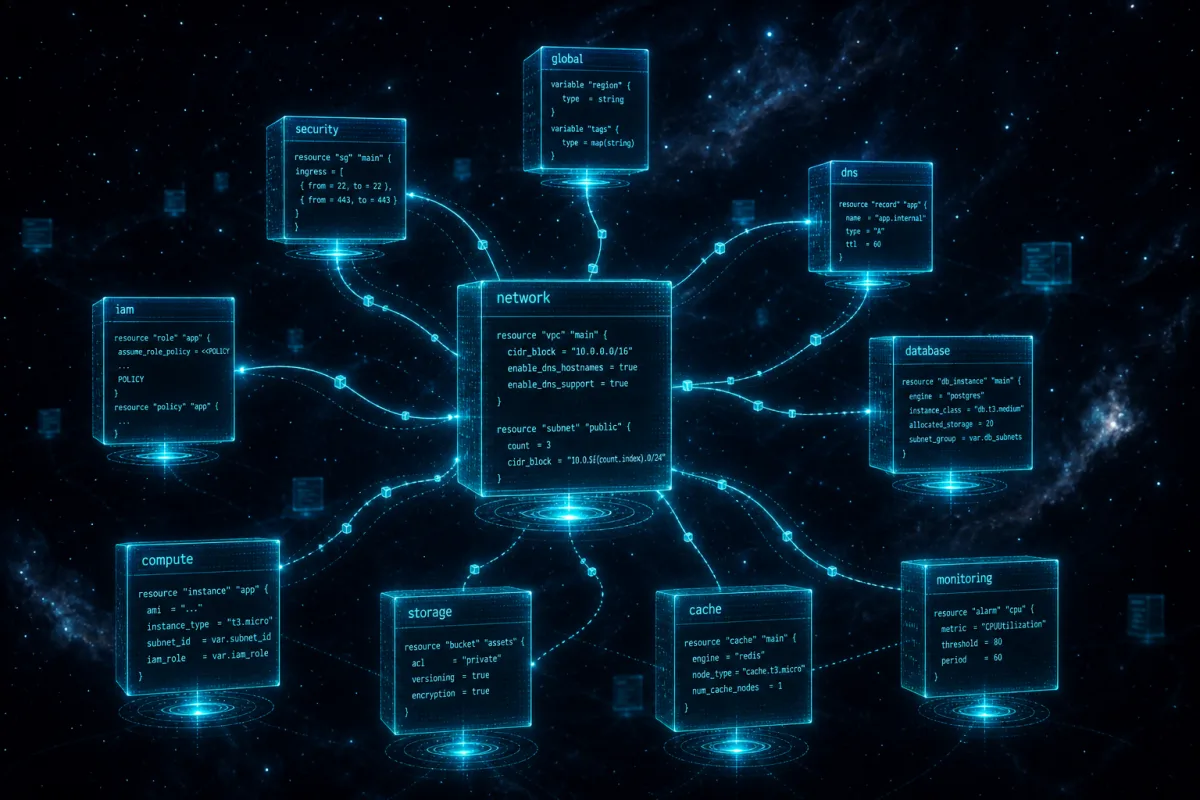
Everything goes in modules. Modules are the unit of reuse — a VPC module, a service module, a database module — that can be composed across environments without duplicating configuration.
infrastructure/
├── modules/
│   ├── networking/
│   │   ├── vpc/
│   │   │   ├── main.tf
│   │   │   ├── variables.tf
│   │   │   ├── outputs.tf
│   │   │   └── README.md
│   │   └── transit-gateway/
│   ├── compute/
│   │   ├── ecs-service/
│   │   ├── eks-cluster/
│   │   └── lambda/
│   ├── data/
│   │   ├── rds-aurora/
│   │   ├── dynamodb/
│   │   └── s3-secure/
│   └── security/
│       ├── security-baseline/
│       └── iam-role/
├── environments/
│   ├── prod/
│   │   ├── main.tf      # Calls modules with prod-scale inputs
│   │   ├── variables.tf
│   │   └── terraform.tfvars
│   ├── staging/
│   └── dev/
└── global/
    ├── organizations/
    └── iam-roles/
Environments call modules. They don't contain logic — only configuration. The difference between prod and dev is input variables (instance sizes, replica counts, retention periods), not different code paths.
State Management
Terraform state is the source of truth for what's actually deployed. State management is where most DIY Terraform setups go wrong:
Remote state in S3 + DynamoDB locking:
terraform {
  backend "s3" {
    bucket         = "tf-state-prod-123456"
    key            = "prod/networking/terraform.tfstate"
    region         = "us-east-1"
    encrypt        = true
    kms_key_id     = "arn:aws:kms:..."
    dynamodb_table = "terraform-locks"
  }
}
State must be: - Encrypted (KMS) - Versioned (S3 versioning on state bucket) - Locked (DynamoDB table prevents concurrent applies) - Access-controlled (IAM policies on state bucket) - Never edited manually
State isolation by environment: Production state is separate from staging is separate from dev. A botched staging apply cannot corrupt production state.
OIDC-Federated CI/CD (No Access Keys)
Terraform in CI must not use long-lived access keys. OIDC federation with GitHub Actions or GitLab CI gives the pipeline temporary credentials via IAM role assumption:
# IAM OIDC provider for GitHub Actions
resource "aws_iam_openid_connect_provider" "github" {
  url = "https://token.actions.githubusercontent.com"

  client_id_list = ["sts.amazonaws.com"]

  thumbprint_list = ["6938fd4d98bab03faadb97b34396831e3780aea1"]
}

# Role assumed by GitHub Actions
resource "aws_iam_role" "terraform_deploy" {
  name = "terraform-deploy"

  assume_role_policy = jsonencode({
    Version = "2012-10-17"
    Statement = [{
      Effect = "Allow"
      Principal = {
        Federated = aws_iam_openid_connect_provider.github.arn
      }
      Action = "sts:AssumeRoleWithWebIdentity"
      Condition = {
        StringLike = {
          "token.actions.githubusercontent.com:sub" = "repo:your-org/your-repo:*"
        }
      }
    }]
  })
}
In the CI pipeline:
- name: Configure AWS Credentials
  uses: aws-actions/configure-aws-credentials@v4
  with:
    role-to-assume: arn:aws:iam::123456789:role/terraform-deploy
    aws-region: us-east-1
No secrets stored in GitHub. Credentials expire after the workflow run.
Plan/Apply Separation
The standard pipeline pattern:
- PR opened:
terraform planruns, output posted as PR comment. Review the plan before reviewing the code. - PR approved + merged:
terraform applyruns against the target environment. - Prod apply: Requires additional approval gate or manual trigger.
This gives you: diff review (what changes), plan review (what Terraform intends to do), and apply review (what actually happened). Three checkpoints before infrastructure changes reach production.
Antipatterns That Compound Over Time
Count-based resource duplication:
# Bad: resources indexed by count are brittle
resource "aws_security_group" "app" {
  count = length(var.services)
  name  = var.services[count.index]
}
# Adding a service in the middle reindexes everything
# Good: for_each with stable keys
resource "aws_security_group" "app" {
  for_each = toset(var.services)
  name     = each.value
}
Hardcoded values everywhere: Account IDs, AMI IDs, ARNs hardcoded in resources instead of data sources. When the account changes or the AMI updates, you're grep-replacing across dozens of files.
One giant main.tf: All resources in one file, no module decomposition. Works for 10 resources. Unmanageable at 200.
Secrets in Terraform state: Never pass secrets as Terraform variables — they end up in plaintext state. Use AWS Secrets Manager or SSM Parameter Store, reference via data source.
No documentation: Terraform modules without README files and variable descriptions are abandoned within 6 months. We write documentation as part of delivery.
What We Deliver
A Terraform IaC engagement produces:
- Module library covering all environment infrastructure
- Environment configurations (prod/staging/dev)
- CI/CD pipeline (GitHub Actions or GitLab CI)
- Remote state configuration with locking
- README per module with usage examples
- Architecture Decision Records (ADRs) for non-obvious choices
- Team training session on Terraform workflow
The client team can modify, extend, and operate independently from day one of handoff.
For the AWS patterns these modules implement, see AWS Cloud Infrastructure and our article on AWS Landing Zone setup.
HashiCorp's Terraform Best Practices documentation covers the formatting and style conventions we align to.
Frequently Asked Questions
Should we use Terraform or AWS CDK?
Both are valid choices. Terraform: larger provider ecosystem, HCL is approachable, not tied to AWS, mature state management. CDK: TypeScript/Python/Java — use your existing language, better type safety, tightly integrated with AWS. For teams with strong TypeScript experience, CDK is compelling. For teams that will also manage non-AWS resources or want maximum provider flexibility, Terraform. We deliver both — decision depends on your team.
How do we handle Terraform for an environment that already exists (not greenfield)?
Start with terraform import to bring existing resources under Terraform management. The process: write the Terraform resource definition, run terraform import <resource_type>.<name> <resource_id>, validate with terraform plan (should show no changes). For large environments, we prioritize the most frequently changed resources first.
What happens when a Terraform apply fails midway?
Terraform state records successful resource creations. A failed apply leaves the state partially updated. terraform plan will show the delta between desired and actual state. Re-running apply continues from the failure point. In rare cases where state is inconsistent with reality, terraform state subcommands let you manually adjust state.
How do we manage Terraform across multiple teams?
Terraform Workspaces or state isolation by path handle multi-team ownership. Each team or service gets its own state file and CI pipeline with scoped IAM permissions. Teams deploy their services independently without affecting shared infrastructure. Shared infrastructure (VPC, Transit Gateway) is owned by a platform/infrastructure team.
Is Terraform free? What about Terraform Cloud?
Terraform CLI is open-source and free. Terraform Cloud offers remote state, team features, and run management — the free tier covers small teams. HCP Terraform (formerly Terraform Cloud Plus) adds policy enforcement and self-hosted agents. For most clients, open-source Terraform with S3 state and GitHub Actions is sufficient without paying for Terraform Cloud.
Talk to us about your AWS architecture → rutagon.com/contact