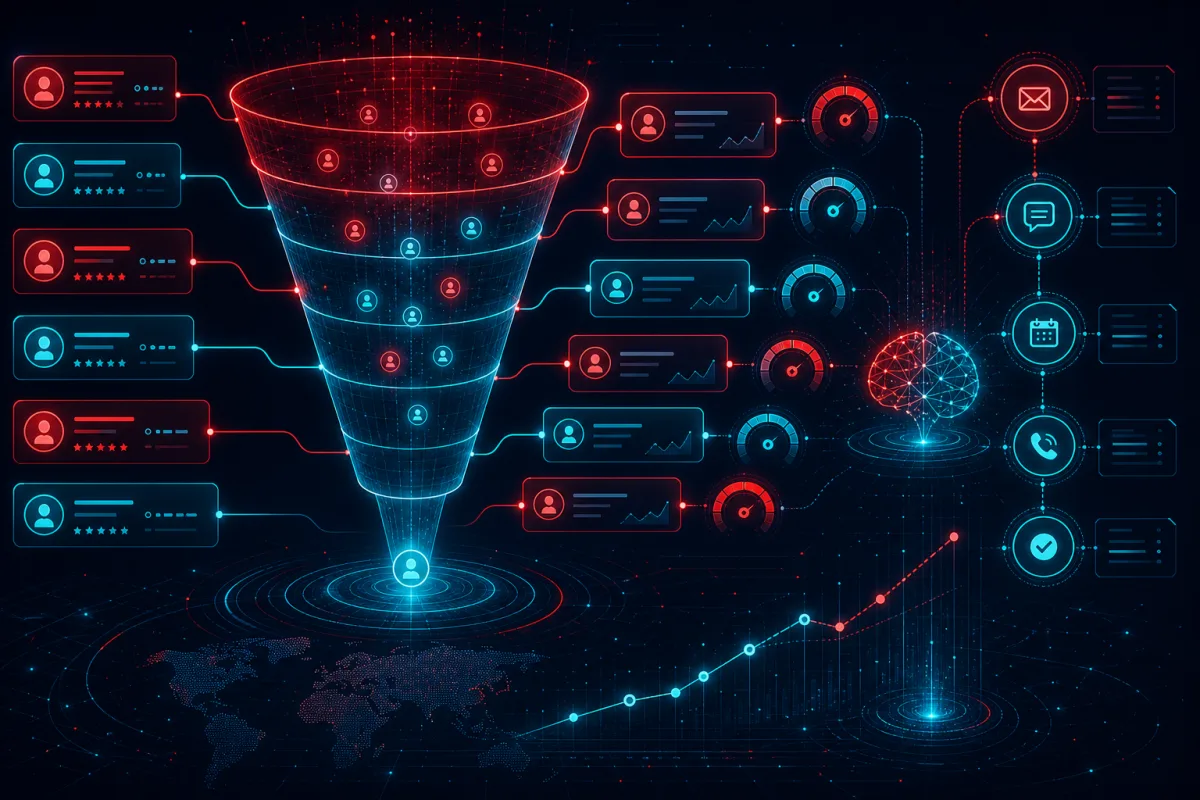
Most "AI-powered CRM" implementations stop at contact enrichment and email sequences. These features deliver marginal value — the real ROI in sales CRM automation comes from process automation that eliminates the manual work keeping reps out of conversations and from predictive models that improve how managers allocate coaching attention.
This guide covers what actually moves the needle in CRM automation for B2B sales organizations in 2026.
The Automation Hierarchy: Where to Focus First
Prioritize CRM automation investments by time recovered per sales rep:
Tier 1 — High impact, fast ROI (implement first): - Activity logging (auto-capture emails, calls, meetings to CRM) - Post-meeting note entry and next-step creation (from meeting automation) - Contact and company data enrichment (firmographics, technology stack, funding)
Tier 2 — High impact, higher implementation complexity: - Sequence enrollment triggers (behavioral-based, not just time-based) - Deal scoring with lead-to-close probability - Pipeline forecast automation (replacing manager gut-feel with model output)
Tier 3 — Transformational but requires organizational maturity: - Conversation intelligence (call scoring against sales methodology) - AI-generated draft responses and outreach personalization - Win/loss analysis from CRM data patterns
Most organizations should build Tier 1 before anything else. Reps won't trust Tier 2 or 3 outputs if the underlying CRM data is bad — and it's always bad when manual entry is required.
Auto-Capture: The Foundation
Every CRM automation initiative fails if reps have to manually log activities. The path to clean CRM data is eliminating manual data entry entirely.
Email capture: Salesforce Einstein Activity Capture, HubSpot email sync, or Outreach/Salesloft natively sync emails. For custom setups, use Google Workspace or Microsoft 365 APIs to pull relevant emails into CRM activity records based on contact/domain matching.
Calendar capture: Meeting invitations with known CRM contacts should auto-create activity records. Post-meeting: connect to your meeting notes pipeline (see the meeting automation guide) and push the summary as an activity note.
Call logging: Dialers like Gong, Chorus, Outreach, and Salesloft have native CRM integrations. For voice-over-IP using Twilio or similar, build webhook → CRM activity creation with call recording and transcript links.
When reps stop data entry, CRM completeness typically goes from 40-60% to 90%+ within a quarter. This is the prerequisite for everything else.
Deal Scoring: Building a Working Model
Generic deal scoring (MQL score, BANT, etc.) is often implemented as a static ruleset that doesn't reflect how your specific deals actually close. A predictive deal score built from your own historical data outperforms any generic model.
Minimum viable dataset: 200+ closed deals (won and lost) with associated activity data.
Feature engineering for deal score: - Response time to first email/call - Number of multi-threading touches (different stakeholders engaged) - Days in stage vs historical average - Meeting-to-next-meeting gap - Document/proposal opens and time spent - Competitor mentions detected in call transcripts - Deal size relative to historical win size by segment - Days since last activity
Model approach: Start with gradient boosting (XGBoost, LightGBM) — it handles the mixed numerical/categorical features in CRM data well and is interpretable enough that reps understand why a deal is scored low.
Output: A 0-100 score, updated nightly, surfaced directly in the deal list view. Color coding (red/yellow/green) is sufficient. Reps don't need to see the model — they need to see which deals need attention.
Validation: Split your historical dataset into train/test. Measure AUC-ROC. Deploy when you can demonstrate that deals scored <30 close at <15% rate and deals scored >70 close at >60% rate historically.
Pipeline Forecasting: Replacing Gut Feel
Sales forecast meetings are an enormous time sink because managers rely on CRM data filtered through rep optimism. A machine learning pipeline forecast gives managers an independent signal.
Data inputs: - Current open pipeline with deal scores - Historical stage-to-close conversion rates by segment, deal size, rep - Time-based decay (deals that haven't moved in 30+ days are less likely to close) - Activity signals (recent multi-thread touches vs silence)
Output format: - "Most likely" forecast (probability-weighted pipeline) - "Best case" (assume all high-probability deals close in period) - "Committed" (deals above 70% score, in late stages, with next steps)
Implementation: Build this as a weekly batch job. Pull open pipeline via CRM API, apply the model, generate a forecast report, and push it to Slack/Teams as a Monday morning digest. Optionally, surface it in the CRM on a custom dashboard.
The key discipline: When the model and the manager disagree, investigate why. If the model is consistently wrong in one direction (over-optimistic or over-pessimistic), retrain or adjust features.
Sequence Automation: Behavior-Based vs Time-Based
Most sequence tools trigger steps on time intervals: "Day 1 email, Day 3 call, Day 7 email." This is better than nothing but ignores prospect behavior signals.
Behavior-based triggers: - Email opened → fast-follow with a related resource or meeting request - Pricing page visit → deal score update + AE notification - Job change detected (via LinkedIn, Clearbit Prospector) → re-engagement sequence for churned contacts at new company - Company funding round detected → expansion outreach to existing customer contacts - Job posting matching your ICP tech stack → intent signal for outbound
These behavioral triggers require integration between your web analytics, enrichment providers, and CRM. The stack typically looks like: Segment or RudderStack (customer data platform) → enrichment API (Clearbit, Apollo, ZoomInfo) → CRM sequence enrollment via API.
Conversation Intelligence Integration
Tools like Gong, Chorus, or Salesforce Einstein call scoring analyze sales calls against your defined methodology. The automation layer:
- Every call auto-transcribed and scored
- Calls scoring below threshold (e.g., "next steps not confirmed") trigger a manager review task
- Deal momentum score updated based on call sentiment and topic detection (pricing discussion = late stage signal, competitor mention = risk flag)
- Rep coaching recommendations generated from pattern analysis across all calls
This is most valuable when integrated with deal scoring — a deal with a strong score but recent call scoring declining is an early warning signal.
The Integration Architecture
For enterprises running Salesforce or HubSpot, the integration architecture for full CRM automation:
Email/Calendar API → Activity Sync Lambda → CRM REST API
Meeting Platform → Notes Pipeline → CRM Activity + Task Creation
Dialer/Call Recording → Gong/Chorus → CRM Activity + Sentiment Score
Enrichment API (Clearbit/Apollo) → Nightly batch → CRM Contact Update
Web Analytics (Segment) → Intent Scoring → Deal Score Update
Each pipeline is an event-driven function or batch job, with CRM as the system of record. The result is a CRM that reflects the true state of every deal with minimal rep data entry.
Rutagon builds these revenue operations automation systems for B2B companies. Contact us to discuss your CRM integration architecture.
Frequently Asked Questions
How long does it take to build a useful deal scoring model?
With 200+ historical closed deals and clean CRM activity data, you can build a functional v1 model in 2-4 weeks of engineering time. The harder part is the data cleaning — most CRM datasets require significant preprocessing before they're usable. Plan 2-4 weeks of data prep before model development.
What CRM platforms support custom automation pipelines?
Salesforce, HubSpot, Pipedrive, and most modern CRMs have robust REST APIs and webhook support. Salesforce offers the most mature platform for custom development (Apex, Flow, Platform Events). HubSpot is faster to integrate with via API but has fewer native enterprise automation features. The right choice depends on which platform your team already uses.
Can smaller B2B companies (50-200 employees) benefit from CRM automation?
Yes, but prioritize differently. Small teams should focus on Tier 1 (activity capture, enrichment) and simple behavioral sequences before investing in predictive models that require significant historical data. At 50-200 employees, the highest ROI is usually in eliminating manual data entry and deploying one well-configured sequence tool (Outreach, Apollo, Salesloft).
How do you handle data privacy and GDPR compliance in CRM automation?
GDPR compliance requires consent management for contact data collection, the ability to fulfill right-to-be-forgotten requests (delete across all systems), and data processing agreements with any enrichment vendors. Build data deletion pipelines from the start — retrofitting them later is painful. Enrichment data should be time-limited: refresh or delete after 90-180 days for GDPR regions.
What's the typical timeline for deploying enterprise CRM automation?
A full Tier 1 + Tier 2 implementation typically takes 3-6 months: 1 month for data audit and cleanup, 1-2 months for activity capture and enrichment pipelines, 1-2 months for deal scoring model development and validation, 1 month for rollout and rep training. The training and change management piece is often underestimated — reps don't change behavior without buy-in.