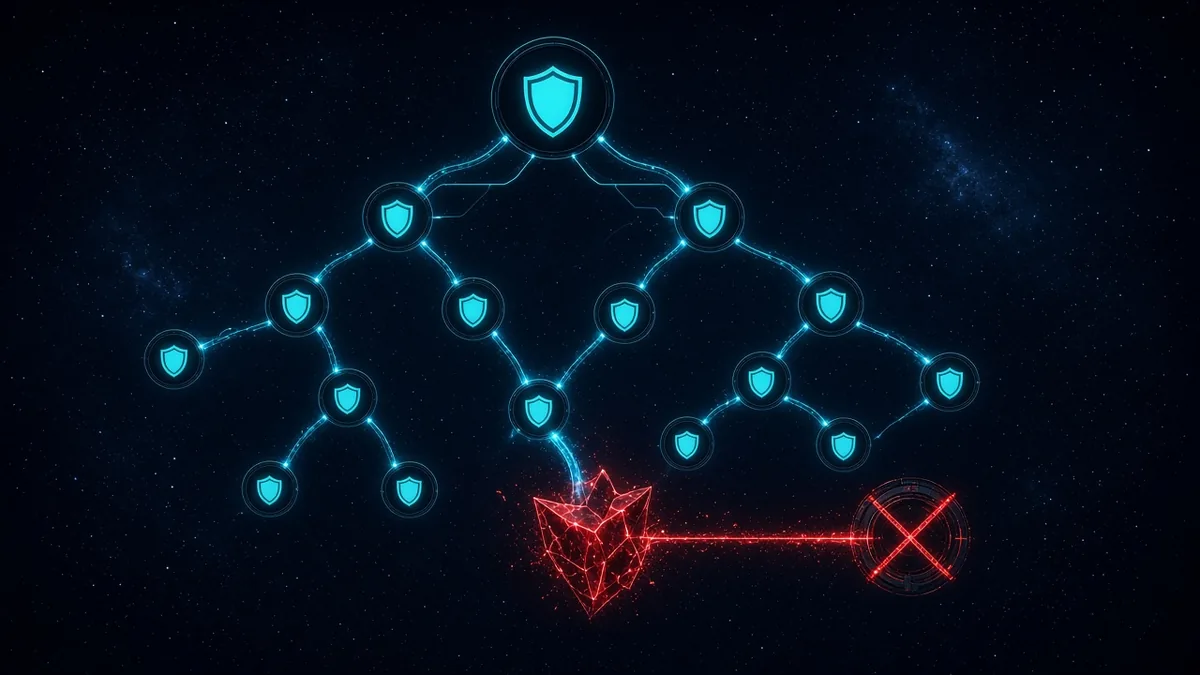
S3 Block Public Access organization settings are the switch that stops one bucket policy from making objects public. Account-level block public access is real and it is also one IAM principal away from being turned off. A bucket-level block is one PutBucketPolicy away from being irrelevant if the account block is off. The organization setting is inherited by every member account, including accounts you create tomorrow, and a member account does not get to clear it.
The buyer is the person who found a public bucket in a sandbox account that was never supposed to hold customer data, or the auditor who asked how you know it cannot happen again. Rutagon turns on all four restrictions at the organization, proves a public policy is rejected, and keeps an SCP behind that so the account API cannot quietly relax the control. The proof is filed in the GRC you already run.
The four restrictions, all of them
Block public access is four booleans, not a vibe:
BlockPublicAclsrejects new public ACLsIgnorePublicAclsignores public ACLs that already existBlockPublicPolicyrejects bucket policies that grant public accessRestrictPublicBucketslimits access on buckets that already have a public policy to principals you authorized inside the account boundary
Any one of them left false is a hole with a success story attached. We set all four true. AWS explains the behavior in Blocking public access to your Amazon S3 storage. Teams that enable "block public ACLs" and skip the policy flags still accept a bucket policy with "Principal": "*" and s3:GetObject. That is the misconfiguration we test for, not the one the console wizard highlights.
Organization-level block public access is configured from the management account and applies across the organization. New accounts inherit it. A workload account cannot override it with a more permissive account configuration. That inheritance is the product. Clicking the account-level checkboxes in each of forty accounts is a project that drifts the week someone creates account forty-one.
We verify inheritance with s3control get-public-access-block on a member account id and expect the four flags true. Then we attempt the bad policy.
{
  "Effect": "Allow",
  "Principal": "*",
  "Action": "s3:GetObject",
  "Resource": "arn:aws:s3:::example-bucket/*"
}
PutBucketPolicy with that document fails when BlockPublicPolicy is on. The API error is the evidence, stored next to the organization configuration export. A green AWS Config rule without this negative test has been wrong before, when the rule evaluated a different account than the one an engineer used for the demo.
S3 Block Public Access organization guardrails we add
Inheritance is the floor. We still add a service control policy so s3:PutAccountPublicAccessBlock is denied except for the organization security role. Someone with Administrator in a member account should not be one API call away from a weekend of public buckets if the organization setting is ever misunderstood or scoped to the wrong root. SCP least privilege is the pattern. The statement is narrow: it denies changes to the account public access block, not all of S3.
{
  "Effect": "Deny",
  "Action": "s3:PutAccountPublicAccessBlock",
  "Resource": "*",
  "Condition": {
    "ArnNotLike": {
      "aws:PrincipalArn": "arn:aws:iam::*:role/OrgSecurityAdmin"
    }
  }
}
The security role is break-glass, named, and reviewed. It is not the application deploy role. If the deploy role can change the block, the pipeline can undo the control in a module someone copies. We grep Terraform for aws_s3_account_public_access_block and for bucket resources that set the four flags back to false. Those resources get deleted. A bucket module that "manages" block public access by setting it false will fight the organization and fail apply, which is the correct outcome once you expect it.
Multi-account setup is where this belongs in the landing zone, not as a one-off in the log archive account. Data perimeter architecture covers identity and network edges around the data. Block public access is the specific S3 public-principal control inside that picture. We do not treat a perimeter document as a substitute for the four flags.
AWS Config rules s3-account-level-public-access-blocks-periodic and s3-bucket-level-public-access-prohibited stay enabled as detective controls. Organization block public access is preventive. Detective rules catch a bucket that predates the setting or an exception someone coded into a policy condition that is not "public" by AWS's definition and is still wider than you wanted. We read those findings. We do not turn the rules off because the organization switch is on.
Exceptions that are actually public on purpose
A website bucket or a software-download prefix sometimes has to be public. Those are rare in a mid-market B2B company and common in old tutorials. The organization block makes the tutorial fail, which is what you want. If a real public asset must exist, it lives in a dedicated account outside the blocked organizational unit, or you accept a time-bound exception with an owner and a CloudFront distribution in front so the bucket itself stays private. Anonymous Principal * on a data bucket in the production OU is not an exception we will write down as normal.
Object ACLs left over from repeated console uploads are why IgnorePublicAcls matters. Blocking new ACLs and ignoring old ones is a pair. We do not migrate every ACL as a prerequisite to turning the control on. The ignore flag makes the old public ACL stop granting access. The follow-up cleanup can be slower than the control.
Cross-account access inside the organization keeps working when the bucket policy names the account or the role. RestrictPublicBuckets targets public policies, not a principal that is your analytics account. We test a legitimate cross-account read after the block is on, from a role the bucket policy already allows. The test fails if someone wrote the policy as Principal * and called it "cross account" in a comment. The fix is to name the principal. That fix is part of the engagement when the negative test reveals it.
What we file
The organization block configuration, the member-account get-public-access-block output, the denied PutBucketPolicy error, the SCP, and the list of intentional public exceptions if any exist. Filed in the GRC you already run. AWS cloud infrastructure is the lane: landing zones, SCPs, and S3 that does not depend on every account remembering a checkbox.
Rutagon does not claim your attestation. The outcome is smaller and sharper. A bucket policy cannot publish objects to the world, a new account inherits that restriction, and you have the deny on file.
Frequently Asked Questions
Why is account-level block public access not enough?
An administrator in that account can turn it off, and a new account does not inherit a click you made elsewhere. Organization block public access applies the four restrictions across member accounts, including accounts created later. We still deny PutAccountPublicAccessBlock with an SCP so the account API is not a quiet bypass.
Which four settings have to be true?
BlockPublicAcls, IgnorePublicAcls, BlockPublicPolicy, and RestrictPublicBuckets. Leaving the policy flags false still allows a bucket policy with Principal * and s3:GetObject. We set all four and test that policy. It must be rejected.
Will cross-account reads inside the company break?
Reads that name an IAM principal or account in the bucket policy keep working. Policies that used Principal * as a stand-in for "our other account" fail, and we replace them with the real principal. We test one legitimate cross-account read after the change.
How do old public ACLs behave?
IgnorePublicAcls causes existing public ACLs to be ignored, so you do not need a full ACL migration before enforcement. BlockPublicAcls rejects new public ACLs. The pair is what we turn on. Cleanup of stale ACLs can follow without leaving the bucket public in the meantime.
What evidence do you keep?
The organization configuration, a member account's block flags, the AccessDenied response from a public bucket policy, and the SCP. That packet is filed in the GRC you already run. Rutagon implements the guardrail. We do not provide the attestation.
Talk to us about organization guardrails for S3. Contact Rutagon at rutagon.com/contact, 907-841-8407, or contact@rutagon.com.