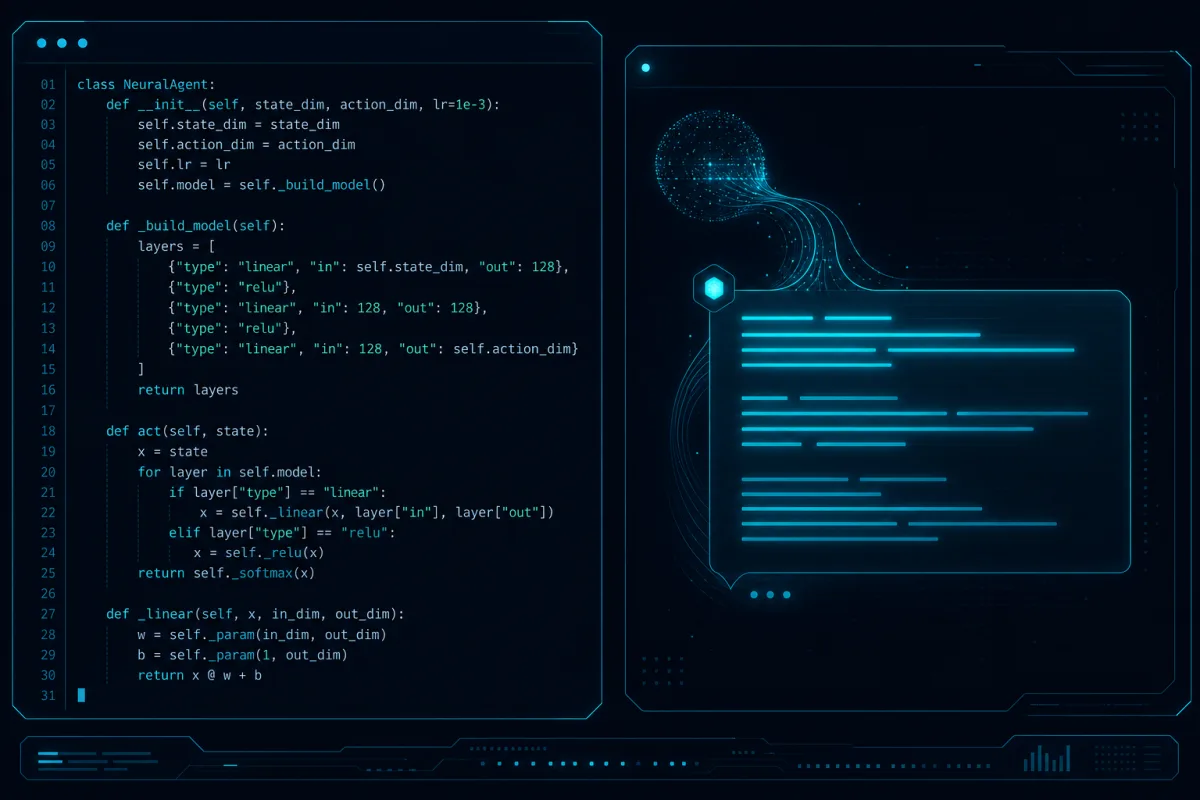
Python AI agents in production demand more than a clever prompt. Tool calling, persistent memory, retry logic, structured outputs, and observability separate prototypes from reliable systems. Teams shipping agents today use these patterns consistently.
Tool Calling Patterns
Function calling with Claude or OpenAI lets agents invoke real tools. Define schemas for each tool — input parameters, return types, error handling. Use Pydantic models for validation. Agents that call tools reliably reduce hallucination by 60%+.
Example pattern: wrap AWS SDK calls, database queries, and internal APIs as tools. The agent decides which to invoke based on user intent.
Conversation Memory
In-memory conversation history works for short sessions. For longer or multi-user contexts, persist to vector stores (Pinecone, Weaviate) or Redis. Store embeddings of prior turns and retrieve relevant context with similarity search. This prevents context window overflow while maintaining coherence.
Retry and Fallback Logic
Network calls and LLM responses fail. Implement exponential backoff with jitter for API calls. Define fallback chains: try Claude, fall back to GPT-4o, then to a smaller model. Log every retry with latency and token usage for later analysis.
Structured Output Parsing
Raw LLM text is fragile. Force JSON or Pydantic output using response_format or tool calls. Validate every response against schema. Reject and retry on validation failure. This eliminates downstream parsing errors.
Observability
Log every agent step: tool invoked, input, output, latency, tokens. Use LangSmith, Helicone, or custom CloudWatch metrics. Track end-to-end latency, error rate, and cost per task. Production agents without observability are unmaintainable.
Testing Strategies
Unit test tool functions in isolation. Integration test agent loops with mocked LLM responses. End-to-end test against staging environments with real tools. Measure success rate, not just "it ran."
Common production failures: infinite retry loops, context poisoning from bad memory retrieval, tool schema drift after API changes, and cost spikes from verbose logging.
Internal links: see LangChain production deployment and multi-agent AI workflow automation.
FAQ
How much memory do agents need?
Start with 4k-8k token context. Use summarization for older turns. Vector retrieval keeps active context under 2k tokens for most tasks.
Which LLM is best for agents?
Claude 3.5 Sonnet or GPT-4o for complex reasoning. Smaller models for classification or simple tool selection. Hybrid routing reduces cost 40%.
How do you handle tool errors gracefully?
Catch exceptions in tool wrappers, return structured error objects, and let the agent decide next action. Never let raw exceptions bubble to the user.
What is the biggest blocker to shipping agents?
Observability and testing. Teams that skip these spend weeks debugging production incidents that could have been caught in staging.
Can agents run autonomously without human review?
Only for low-risk, high-confidence tasks. Always include human-in-the-loop for financial, legal, or customer-impacting actions.
Have a project that needs this? Talk to Rutagon or call 907-841-8407.
Related: event-driven AI automation, productionize AI prototype to production.