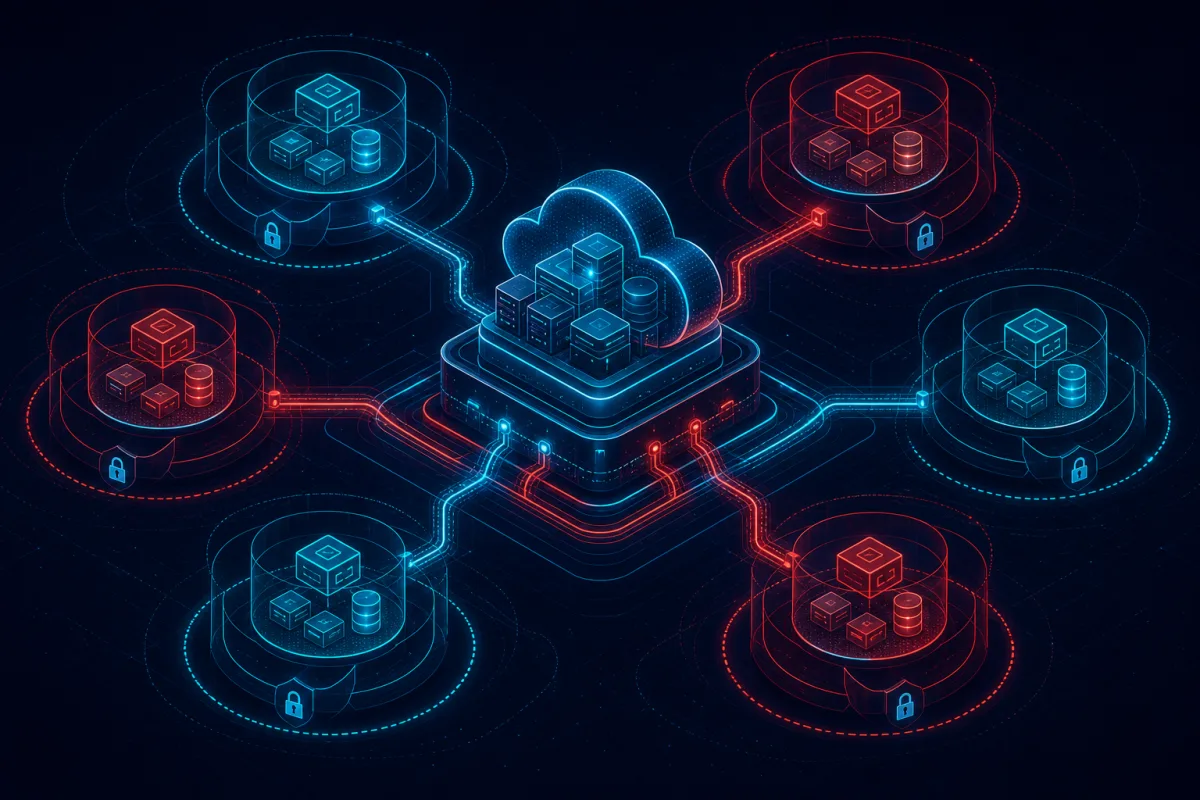
Multi-tenancy is the defining architectural decision for B2B SaaS products. The pattern you choose determines your cost structure, security posture, compliance capabilities, and how hard it is to onboard enterprise customers who demand data isolation. Getting this decision right early is far easier than retrofitting it later.
This guide covers the three main multi-tenancy models, the real trade-offs between them, and implementation guidance for AWS-based SaaS systems.
The Three Multi-Tenancy Patterns
Pattern 1: Pooled (Shared Everything)
All tenants share the same database, application infrastructure, and compute. Tenant isolation is achieved entirely through application-layer logic (tenant ID filtering on every query).
Architecture:
- Single database with tenant_id column on every table
- Row-level security (RLS) in PostgreSQL enforces isolation at the database layer
- Single application deployment, tenant context injected via JWT or session
Cost characteristics: Most cost-efficient. Infrastructure cost scales with usage, not tenant count. A 100-tenant SaaS can run on the same infrastructure as a 10-tenant SaaS if usage patterns are similar.
Limitations: - Noisy neighbor problem: one tenant's heavy query can impact others - Harder compliance story for regulated industries (HIPAA, FedRAMP require demonstrable isolation) - Data breach affects all tenants - Harder to provide per-tenant customization (schema changes, retention policies)
Best for: SMB SaaS, early-stage products before enterprise sales, applications where tenant data volumes are small and uniform.
Pattern 2: Siloed (Isolated Everything)
Every tenant gets their own database, application deployment, and potentially their own infrastructure stack.
Architecture: - Per-tenant database (separate RDS instance or Aurora cluster) - Per-tenant Kubernetes namespace or ECS service cluster - DNS-based tenant routing (tenant.app.com → tenant-specific infrastructure)
Cost characteristics: Most expensive per tenant. Infrastructure costs scale linearly with tenant count. 100 tenants = 100× the database cost of a single-tenant deployment.
Limitations: - High cost, especially for small tenants - Complex operational overhead (100 databases to monitor, patch, backup) - Schema migrations must be applied to every tenant database
Benefits: - Complete data isolation — one tenant's data never shares a storage system with another's - Easy compliance story: "your data is in your own database" - Per-tenant customization is straightforward (schema differences, different backup retention) - One tenant's failure doesn't impact others
Best for: Enterprise SaaS with compliance requirements (government, healthcare, financial services), customers paying $50K+/year who demand isolation, any SaaS with FedRAMP requirements.
Pattern 3: Bridge (Tiered Isolation)
A hybrid model where different tiers of customers get different isolation levels. Small customers share pooled infrastructure; large customers get dedicated resources.
Architecture: - Pool tier: shared database + shared application (as in Pattern 1) - Dedicated tier: per-tenant database + shared application code - Enterprise tier: per-tenant full stack or customer-managed deployment
Cost characteristics: Cost-optimized per tier. Small customers are cheap to serve; enterprise customers pay a premium that covers their dedicated infrastructure.
Operational complexity: The highest. You're managing two or three infrastructure patterns simultaneously.
Best for: SaaS products serving a wide range of customer sizes, products moving from SMB to enterprise, any product where enterprise customers will pay for isolation but SMB customers need commodity pricing.
The AWS Implementation Pattern for Bridge Architecture
For most B2B SaaS products that need to serve a range of customer sizes, the bridge pattern on AWS looks like:
Routing layer: - CloudFront + API Gateway as the request router - Custom authorizer Lambda injects tenant context - Request routed to pooled or dedicated infrastructure based on tenant tier configuration
Pool tier infrastructure:
Aurora PostgreSQL (shared, row-level security enabled)
ECS Fargate service (shared, multi-tenant application)
ElastiCache Redis (shared, key namespaced by tenant ID)
Dedicated tier infrastructure:
Aurora PostgreSQL (per-tenant, separate cluster)
ECS Fargate service (shared application, dedicated task definition)
ElastiCache Redis (per-tenant namespace or dedicated cluster)
Tenant routing table: DynamoDB table with tenant_id → infrastructure mapping. The authorizer Lambda reads this table to determine which infrastructure stack to route the request to.
Infrastructure-as-code: Terraform modules parameterized for both pool and dedicated configurations. Adding a new dedicated tenant = instantiating the dedicated module with tenant-specific variables. The pool infrastructure is a single shared module.
Database Isolation: PostgreSQL Row-Level Security
For the pool tier, PostgreSQL RLS is the production pattern for data isolation:
-- Enable RLS on tenant tables
ALTER TABLE orders ENABLE ROW LEVEL SECURITY;

-- Policy: users can only see their own tenant's data
CREATE POLICY tenant_isolation ON orders
  USING (tenant_id = current_setting('app.current_tenant_id')::uuid);

-- Application sets tenant context per request
SET app.current_tenant_id = '550e8400-e29b-41d4-a716-446655440000';
With RLS enforced at the database layer, even application bugs that forget to filter by tenant_id are blocked at the database level. This is a critical defense-in-depth layer.
Performance consideration: RLS adds marginal query planning overhead. Proper indexing on tenant_id columns is essential for performance. Composite indexes on (tenant_id, other_query_columns) are the standard pattern.
Tenant Onboarding Automation
The multi-tenancy pattern only works operationally if tenant provisioning is fully automated. Manual onboarding doesn't scale and introduces configuration errors.
Pool tier onboarding (seconds): 1. Create tenant record in your tenant management system 2. Generate tenant ID and JWT signing key 3. Apply initial configuration defaults 4. Tenant is ready to use
Dedicated tier onboarding (minutes): 1. Trigger Terraform for the dedicated module with tenant parameters 2. Wait for RDS cluster and ECS resources to provision 3. Run database migrations on the new tenant database 4. Update the routing table in DynamoDB 5. Tenant is ready to use
The dedicated tier onboarding pipeline typically takes 5-15 minutes via automated Terraform + CI/CD. This is acceptable for the enterprise onboarding workflow.
Key Decisions Before You Start
- What's your target customer size? SMB-only → pool. Enterprise-only → silo. Mixed → bridge.
- Do you have compliance requirements? HIPAA, FedRAMP, or SOC 2 requirements influence isolation needs.
- What's your pricing model? Usage-based pricing favors pool. Flat fee per customer favors silo or bridge.
- What's your target gross margin? Infrastructure cost per customer matters at scale.
Start with pool for speed, design for bridge from day one. Add the routing layer and dedicated infrastructure module early, even if all customers are in the pool initially. Retrofitting multi-tenancy isolation patterns into an existing product is painful.
Rutagon designs and builds multi-tenant SaaS architectures for B2B software companies. Contact us to discuss your SaaS architecture strategy.
Frequently Asked Questions
When should I add dedicated infrastructure for a customer?
Common triggers: customer requests it in contract negotiations, customer's compliance requirements mandate it, customer's usage is creating noisy-neighbor issues in the pool, or the contract value justifies the dedicated infrastructure cost (typically $5,000-$15,000+/year per dedicated customer to cover infrastructure).
How do you handle database migrations in multi-tenant architectures?
Pool tier: standard migration tooling (Flyway, Alembic, Liquibase) against the shared database — same as a single-tenant application. Silo/dedicated tiers: migrations must be applied to every tenant database. Automate this with a migration runner that iterates over the tenant registry and applies migrations in sequence. For large numbers of dedicated tenants, parallel migration execution with careful ordering is needed.
What's the biggest mistake teams make with multi-tenancy?
Not building the routing and isolation layer before they have enterprise customers demanding it. The transition from pool-only to bridge architecture is a significant refactoring effort under production pressure. Building the routing infrastructure early — even when all customers are in the pool — makes the eventual transition to dedicated tiers far simpler.
How do vector databases fit into multi-tenant AI applications?
For AI features (search, RAG, recommendations) in multi-tenant SaaS, vector database isolation follows the same pattern. Weaviate has native multi-tenancy support with per-tenant vector namespaces in the same index — equivalent to pool architecture. Dedicated vector indexes per tenant is the silo equivalent. This is an increasingly important architecture decision for SaaS products building AI-powered features.
Does multi-tenancy impact API design?
Yes. For pool architecture, tenant context is implicit in the API (derived from the authenticated user's tenant, not passed explicitly). For bridge/silo, the tenant identifier may appear in URLs or headers for routing purposes. API design should be consistent so that clients don't need to know which tier they're on. The routing layer handles tier selection transparently.