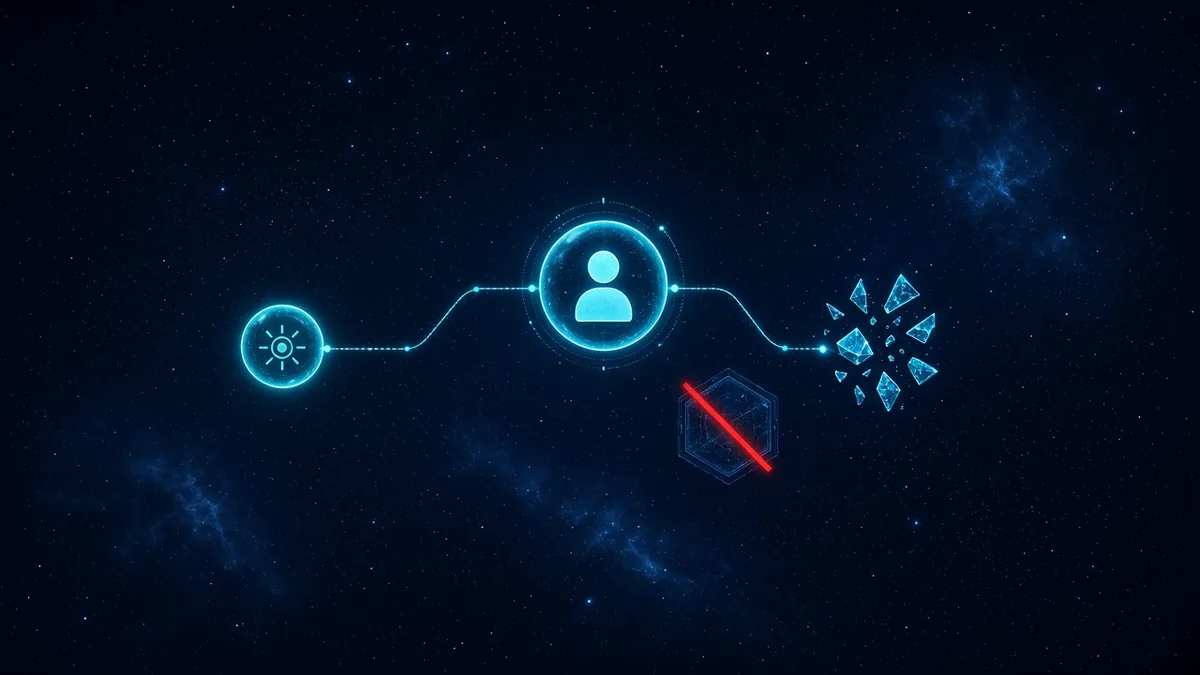
Microsoft Entra agent ID is the directory object for a production agent, separate from the engineer who prompted it into existence. The agent needs an owner, a scope list, and a credential that is not a client secret in a repo. Without that, the agent calls Graph or your line-of-business API as whoever's password was handy during the demo, and the sign-in log cannot answer who is accountable.
The CTO shipping an internal agent wants it in production this month. The compliance lead wants a name when the agent reads mail or files. Rutagon enrolls the agent as its own identity, binds a human owner, limits the scopes, and prefers a federated credential over a stored secret. Evidence of that enrollment is filed in the GRC you already run. This is security engineering for agents you are already building. It is not a generic automation pitch and not a monitoring-product replacement.
The agent is not the user's session
When an agent acts with a delegated user token, every action looks like the user, and the user's privileges become the agent's privileges. That is acceptable for a single interactive copilot sitting in the user's session. It is the wrong model for a job that runs at night, touches many mailboxes, or survives after the user changes roles. Entra agent identity gives the workload its own principal. Sign-in logs show that principal. The owner's name is an attribute you can review, not a comment in a README.
Microsoft's identity platform documents how applications and service principals carry permissions and how sign-ins are recorded in Microsoft Entra sign-in logs. Agent identities sit in that same operational world: an application identity with owners, permissions, and a log. We treat the agent id as in-scope for access review the way we treat any other non-human.
The concrete shape we implement:
- A directory identity for the agent, with at least one enabled human owner
- Application permissions or a custom API app role, listed, and nothing broader "while we test"
- A federated credential that trusts the AWS role or the host identity where the agent runs, so there is no
clientSecretin the config - A disable path when the owner account is disabled
AI agent identity is the wider pattern across clouds. Least privilege for agents is how we choose the scope list. This article is the Entra enrollment: owner, agent id, and the secret that should not exist.
Microsoft Entra agent ID ownership and scopes
Owner means a person who can explain what the agent is allowed to do and who is still employed. Two owners is better than one when vacations are real. A service account as the only owner recreates an orphan. We block production enrollment when every owner is disabled or missing. The agent does not ship on an empty owners navigation.
Scopes start from the tool list, not from the Graph permission catalog. If the agent files tickets in one system, the scope is that system's app role for create-ticket, not a directory role and not Mail.ReadWrite because a sample used it. Each scope has a one-line purpose stored with the registration. A review can revoke a scope without deleting the agent. Adding scopes later is a change with the same evidence as adding a person to a group.
Federated credentials are the default we push. The agent runs on AWS under a task role or a CI role. The app registration trusts that role's issuer and subject. The process gets an Entra token by federation, calls the API, and never sees a client secret. A client secret is a fallback with an expiry and an owner, used only when the host cannot federate, and it is on the credential inventory. Coding assistant IAM permissions covers the AWS side of a similar boundary. The Entra side is this identity.
Conditional access belongs on the agent identity when the agent can reach sensitive applications. A policy that only targets user personas leaves the agent out. We test the policy with the agent's principal, not with the developer's user, because those are different sign-ins.
Disable, review, and the log
When the owner leaves, the joiner-mover-leaver path disables the agent or reassigns the owner before the account is gone. An agent that keeps running under a departed owner is standing access with no reviewer. We hook that to the same offboarding extract you use for humans, with a filter for agent identities. The security automation work is the join between HR events and directory objects, human or not.
Access review rows for agents show owner, scopes, and last sign-in. No sign-in across the review window is a disable candidate. Heavy sign-in with a scope nobody can explain is a scope-reduction candidate. We do not auto-delete an agent that still has a running host. Disable the identity, confirm the host fails closed, then remove the compute. The other order is an outage followed by someone re-enabling a broad secret to "fix prod."
The evidence packet is the agent id, the owners, the scope list with purposes, the federation subject or the secret's expiry, and a sign-in sample. It is filed in the GRC you already run. Your auditor can see non-human access next to human access. Rutagon does not claim your attestation and does not pretend the model vendor is the control. The identity is the control you can review.
Production lessons we will repeat. Demo tenants use a developer's user token and then the code ships unchanged. We look for that pattern in config: a refresh token, a copied bearer token, a shared mailbox password. Those are findings, replaced by the agent identity before go-live. A second lesson: one agent identity per deployable, not one identity shared by every experiment in the monorepo. Shared identity means shared scopes, and the experiment inherits production rights.
What we do not build
We do not build a general chatbot for a department that has not named a system and a scope. We do not operate an alert queue. We do not train a foundation model. The engagement is the identity and the permission boundary around an agent your developers are shipping, delivered as code and directory configuration your team can own. If the agent should not exist, we will say that before we enroll it.
Frequently Asked Questions
Why give the agent its own Entra identity?
So the sign-in log and the access review show the agent, not the engineer who tested it. A delegated user token grants the agent everything that user can do and hides the workload inside that user's history. Nightly and multi-user agents need a principal of their own.
Who has to own a Microsoft Entra agent ID?
At least one enabled human who can explain the scopes. A disabled account or an empty owner list blocks production enrollment. A second owner avoids an orphan when the first person leaves. The offboarding path reassigns or disables the agent with the owner.
How should the agent authenticate?
With a federated credential tied to the host's AWS role or other workload identity, so no client secret sits in the repo. A client secret is a dated exception with an owner. We look for copied user tokens in config and replace them before go-live.
How narrow should the scopes be?
As narrow as the tools the agent actually calls. Each permission has a one-line purpose. Directory-wide Graph roles are a finding unless the purpose names them. Scopes can be removed without deleting the agent, and that change is reviewed like any other entitlement.
Where does the enrollment evidence go?
The agent id, owners, scopes, federation subject, and a sign-in sample are filed in the GRC you already run. Rutagon builds the enrollment and the disable path. We do not replace your identity administrators and we do not claim the attestation.
Discuss securing your AI agent build. Contact Rutagon at rutagon.com/contact, 907-841-8407, or contact@rutagon.com.