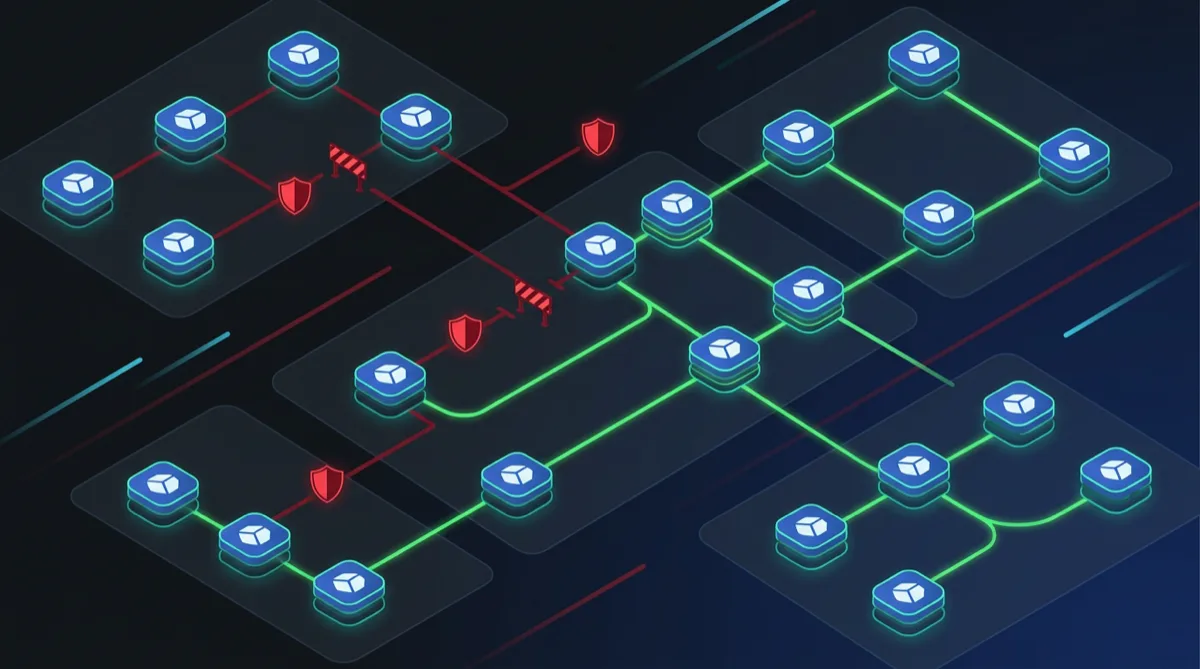
Network segmentation is a core control in nearly every federal security framework. NIST 800-53 SC-7 (Boundary Protection) and SC-8 (Transmission Confidentiality and Integrity) require that systems enforce isolation between components — meaning your pods cannot freely talk to each other just because they're in the same cluster. Kubernetes Network Policies are the primary mechanism for implementing these controls inside an EKS cluster on GovCloud.
This article covers the patterns Rutagon uses for production Kubernetes Network Policy architecture in federal environments, from the essential default-deny baseline to namespace isolation and specific cross-namespace communication rules.
Why Network Policies Matter for Federal Compliance
Kubernetes, by default, allows all pod-to-pod communication within a cluster. Without Network Policies, a compromised pod in a namespace handling unclassified data can reach a pod in a namespace handling CUI — a boundary violation that would surface as a NIST 800-53 SC-7 finding during assessment.
Federal assessors expect to see:
- Evidence that microsegmentation is enforced at the network layer
- Explicit allow-listing of required communication paths
- Default-deny posture with exceptions justified in the SSP
- Audit logs showing denied traffic attempts
Network Policies provide the enforcement mechanism. VPC Security Groups and NACLs operate at the cluster perimeter — Network Policies operate within the cluster.
Important: Kubernetes Network Policies require a CNI plugin that supports them. On EKS, install Amazon VPC CNI with Network Policy support or Calico. The default EKS CNI supports Network Policy as of 2023 — verify your cluster version and CNI configuration before deploying policies.
The Default-Deny Baseline (Non-Negotiable)
Every federal EKS cluster should start with a default-deny policy applied to every namespace. Without this baseline, any policy you write is additive — traffic not explicitly denied is allowed. Default-deny inverts this to allow-listing.
# default-deny-all.yaml — apply to every namespace
apiVersion: networking.k8s.io/v1
kind: NetworkPolicy
metadata:
  name: default-deny-all
  namespace: production  # Apply this to EVERY namespace
spec:
  podSelector: {}        # Selects ALL pods in the namespace
  policyTypes:
    - Ingress
    - Egress
Apply this to every namespace at cluster bootstrap — use a Helm chart or Terraform kubernetes_manifest resource to ensure no namespace is created without the baseline policy.
Namespace Isolation Pattern
For federal workloads, organize namespaces by classification level or mission boundary, then enforce that pods in one namespace cannot initiate connections to pods in another without explicit authorization.
# Namespace label strategy
# Each namespace gets a label that network policies reference
apiVersion: v1
kind: Namespace
metadata:
  name: cui-processing
  labels:
    security-zone: cui
    team: data-platform

---
apiVersion: v1
kind: Namespace
metadata:
  name: unclassified-api
  labels:
    security-zone: unclassified
    team: api-platform
With namespace labels established, policies can reference them explicitly:
# cui-processing namespace — allow ingress only from data-platform team
apiVersion: networking.k8s.io/v1
kind: NetworkPolicy
metadata:
  name: allow-data-platform-ingress
  namespace: cui-processing
spec:
  podSelector:
    matchLabels:
      app: data-processor
  policyTypes:
    - Ingress
  ingress:
    - from:
        - namespaceSelector:
            matchLabels:
              team: data-platform
          podSelector:
            matchLabels:
              role: publisher
      ports:
        - protocol: TCP
          port: 8080
This policy allows only pods labeled role: publisher in the data-platform team's namespaces to send traffic to port 8080 of the data-processor pods in cui-processing. Everything else is denied by the default-deny policy applied above.
Egress Controls (The Often-Missed Half)
Most teams configure ingress policies and ignore egress. For NIST SC-7, egress is equally important — you need to prevent pods from exfiltrating data to unauthorized endpoints.
# Allow egress only to required services
apiVersion: networking.k8s.io/v1
kind: NetworkPolicy
metadata:
  name: cui-processor-egress
  namespace: cui-processing
spec:
  podSelector:
    matchLabels:
      app: data-processor
  policyTypes:
    - Egress
  egress:
    # Allow DNS resolution
    - ports:
        - protocol: UDP
          port: 53
        - protocol: TCP
          port: 53
    # Allow access to RDS in the VPC
    - to:
        - ipBlock:
            cidr: 10.0.64.0/20  # RDS subnet CIDR
      ports:
        - protocol: TCP
          port: 5432
    # Allow access to AWS Secrets Manager VPC endpoint
    - to:
        - ipBlock:
            cidr: 10.0.1.0/24  # VPC endpoint subnet
      ports:
        - protocol: TCP
          port: 443
For GovCloud, pods communicating with AWS services (S3, Secrets Manager, DynamoDB) should use VPC endpoints — this keeps traffic within the VPC boundary and makes egress rules straightforward: allow traffic to endpoint CIDRs, deny everything else.
Monitoring Policy Violations
Network Policies are enforced by the CNI but not logged by default. To satisfy NIST AU-3 (Content of Audit Records) and AU-12 (Audit Record Generation) for denied network traffic, you need supplemental logging.
Two approaches we use in production:
1. VPC Flow Logs with EKS Pod ENI logging: Enable VPC Flow Logs at the ENI level. In EKS with VPC CNI, each pod gets its own ENI — flow logs capture pod-level traffic with source IP corresponding to the pod IP. Denied connections appear as REJECT entries. Forward these to CloudWatch Logs and set an alarm on significant reject volume.
2. Falco for runtime network monitoring: Deploy Falco as a DaemonSet with rules that alert on unexpected outbound connections from pods. Falco operates at the syscall level — it catches attempted connections before the CNI drops them and generates structured events for SIEM forwarding.
This monitoring architecture pairs with the observability patterns we use for regulated systems and feeds into continuous monitoring pipelines for NIST RMF compliance.
Policy Validation Before Deployment
Deploy invalid or overly permissive Network Policies and you either break connectivity or open security gaps. Validate policies before applying them:
Automated validation in CI/CD:
# GitHub Actions step — validate network policies before merge
- name: Validate Network Policies
  run: |
    # Check that every namespace has a default-deny policy
    kubectl get networkpolicy --all-namespaces \
      -o jsonpath='{range .items[*]}{.metadata.namespace}{"\t"}{.metadata.name}{"\n"}{end}' \
      | grep default-deny | sort | uniq > applied-defaults.txt

    # Compare against namespace list
    kubectl get namespaces -o name | grep -v kube- > namespace-list.txt
    diff namespace-list.txt applied-defaults.txt
Use netpol.io or kubectl-netpol to visualize and simulate policies before deployment. For high-assurance environments, include Network Policy review as a gate in your change management process.
Compliance Documentation
For ATO packages, document your Network Policy architecture in the SSP's SC-7 control implementation section:
- List namespaces and their security zones
- Describe the default-deny baseline and where it's applied
- Enumerate explicitly allowed communication paths with business justification
- Reference the VPC Flow Logs / Falco configuration as the monitoring implementation
- Describe the CI/CD policy validation gate
Assessors need to see that your microsegmentation controls are systematic and enforced by automation — not manually maintained per-resource.
This architecture, combined with the STIG compliance automation patterns in Kubernetes and zero trust credential patterns, builds a strong technical baseline for SC-7 and adjacent controls.
Frequently Asked Questions
Do Kubernetes Network Policies replace VPC Security Groups for EKS?
No — they operate at different layers and are complementary. VPC Security Groups control traffic at the cluster boundary (what can reach the cluster from outside). Kubernetes Network Policies control traffic inside the cluster (what pods can talk to other pods). Federal compliance requires both: Security Groups for perimeter protection, Network Policies for east-west segmentation inside the cluster.
Can Network Policies reference pods in other clusters or external services?
Network Policies use pod selectors (label-based) and namespace selectors — these only apply within a single cluster. For cross-cluster communication, you need a service mesh (Istio or AWS App Mesh) that provides mTLS and traffic policy enforcement. For external services, use IP block rules with the CIDR of the destination (e.g., a VPC endpoint). Our mTLS and service mesh patterns for government are covered separately.
How do we handle the Kubernetes control plane communication requirements?
CoreDNS (kube-dns), the metrics server, and other kube-system components require specific communication paths. Define explicit egress rules to allow DNS (UDP/TCP 53) to the CoreDNS pod IPs or service IP. Cluster-level components that need broad access should be in the kube-system namespace, which can have its own less-restrictive policies with documented justification in the SSP.
What happens to existing pods when a default-deny policy is first applied?
Existing connections are not interrupted — Network Policies are evaluated for new connection attempts, not established connections. However, pods that attempt to reconnect or establish new connections after default-deny is applied will be blocked until allow rules are in place. Apply default-deny in a staging environment first, confirm that all application communication paths have explicit allow rules, then apply to production.
Does AWS Verified Access or a service mesh eliminate the need for Network Policies?
No — Network Policies address a different threat model. AWS Verified Access controls who can access the cluster from outside. A service mesh like Istio provides L7 policies, mTLS, and traffic management inside the cluster. Network Policies provide L3/L4 enforcement at the CNI level, which is required for SC-7 boundary protection independent of what application-layer controls are in place.
Contact Rutagon to design your GovCloud EKS security architecture →
Discuss your project with Rutagon
Contact Us →