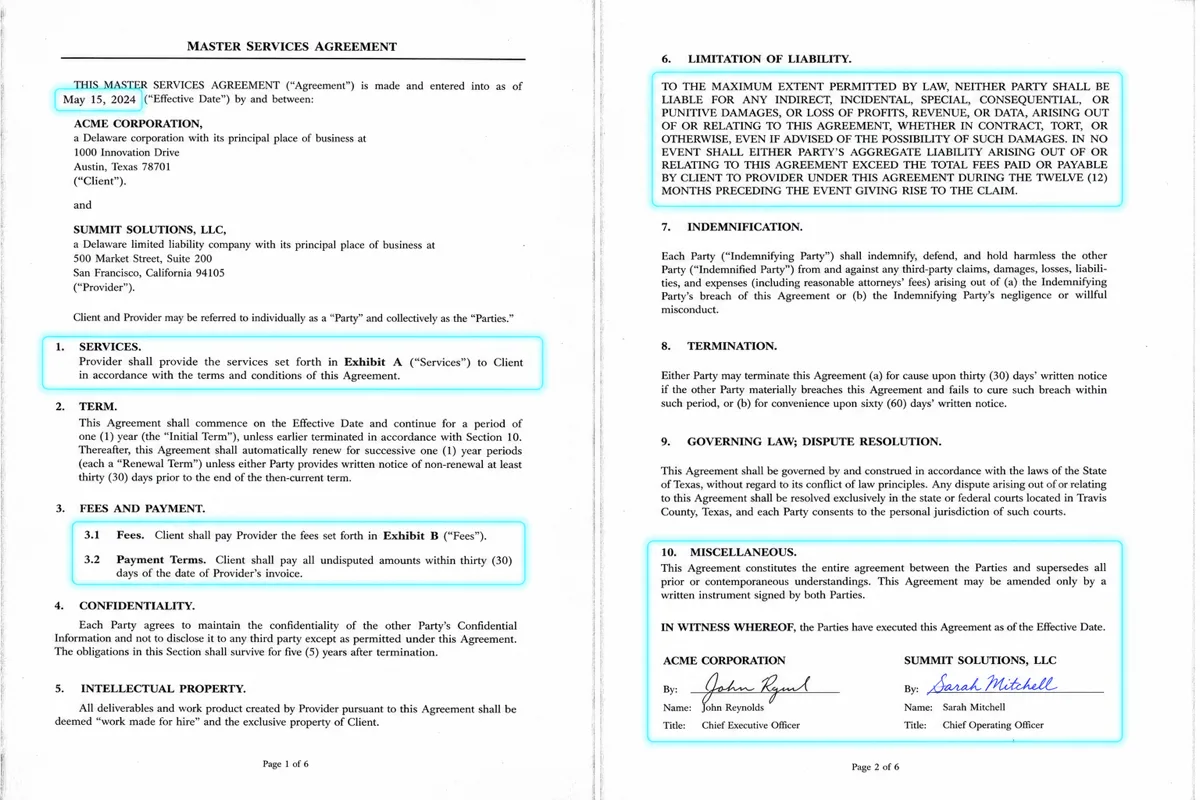
A legal operations team at a mid-size company was spending roughly 15 hours a week manually reviewing vendor contracts for a fixed set of risk clauses — indemnification terms, liability caps, auto-renewal provisions — before routing approved contracts for signature. Here's the automation we built to compress that to a fraction of the time without removing human judgment from the actual decision.
The Constraint That Mattered Most
Unlike a fully automated data-entry pipeline, this workflow couldn't fully remove humans from the loop — contract risk decisions carry legal liability, and the team was (correctly) unwilling to let an AI system approve or reject contracts autonomously. The design goal was compressing the review time, not eliminating the reviewer.
What We Built
1. Document Intake and Classification
Contracts arriving via email or a shared drive are automatically classified by document type (vendor agreement, NDA, SOW, amendment) using a combination of filename patterns and content classification, routing each to the appropriate extraction template.
2. Clause Extraction and Risk Flagging
A Claude-based extraction pipeline identifies and extracts the specific clauses the legal team cares about — indemnification language, liability caps, auto-renewal terms, termination provisions, governing law — and flags any that deviate from the company's pre-approved standard language.
RISK_CLAUSE_PROMPT = """
Extract the following clauses from this contract if present:
1. Indemnification terms
2. Liability cap (dollar amount or formula)
3. Auto-renewal provisions and notice period
4. Termination for convenience terms
5. Governing law and venue

For each clause found, flag whether it matches standard company
language (provided below) or deviates, and briefly explain the deviation.

Standard language reference: {standard_clauses}
Contract text: {contract_text}
"""
3. Structured Review Summary
Instead of requiring the reviewer to read the full contract, the system generates a structured summary highlighting exactly which clauses deviate from standard terms, with the original clause text and a plain-language explanation of the risk — the reviewer's job shifts from "find the risk" to "evaluate the flagged risk."
4. Human Approval Gate
Every contract summary requires explicit human sign-off before routing to signature. The system tracks reviewer decisions over time, which became useful data for identifying which flagged clause types the team consistently approves versus consistently escalates — informing future refinements to what gets flagged at all.
Why We Didn't Try to Fully Automate the Decision
Early in scoping, the client asked whether the system could auto-approve contracts with no flagged deviations. We recommended against it — even "no deviations found" is a judgment call that depends on correctly identifying every relevant clause, and a missed clause with no human check is a much worse failure mode than a slower manual process. The human approval gate stayed in place for every contract, regardless of how clean the automated summary looked.
Handling Extraction Uncertainty
When the extraction pipeline isn't confident it correctly identified a clause (unusual formatting, non-standard contract structure, clauses split across multiple sections), it explicitly flags "unable to confidently extract — manual review required" rather than guessing. This kept trust high with the legal team, since the system never silently missed something without saying so.
Results
The legal ops team's per-contract review time dropped from an average of 45 minutes to roughly 10 minutes, since reviewers now evaluate a structured summary of flagged deviations instead of reading full contracts line by line. Weekly time spent on contract review dropped from about 15 hours to under 4, freeing the team for higher-value negotiation work.
Have a document-heavy workflow that needs human judgment preserved but time compressed? Discuss your automation project — 907-841-8407 or contact@rutagon.com.
Frequently Asked Questions
Can AI fully automate legal contract review without human oversight?
For workflows carrying real legal or financial liability, we generally recommend against full automation of the decision itself. AI can dramatically compress the time humans spend reviewing by surfacing structured summaries and flagging deviations, while keeping a human approval gate for the actual decision.
How accurate is AI clause extraction from contracts?
Accuracy depends heavily on document consistency and how the extraction pipeline handles uncertainty. A well-built system explicitly flags low-confidence extractions for manual review rather than guessing, which is more valuable than a system that claims high accuracy but fails silently on edge cases.
What types of documents can this kind of automation handle?
The pattern — classify, extract, flag deviations, route for human approval — generalizes to contracts, insurance policies, compliance filings, and any structured document review workflow with a defined set of fields or clauses to check.
How long does it take to build a document review automation like this?
For a well-scoped single document type with a defined risk clause checklist, initial builds typically take 4-8 weeks, including testing against a representative sample of historical documents before rollout.
Does this integrate with existing contract management or e-signature systems?
Yes, typically via API integration with the document intake source (email, shared drive, or CLM platform) and the e-signature routing system used for final execution.