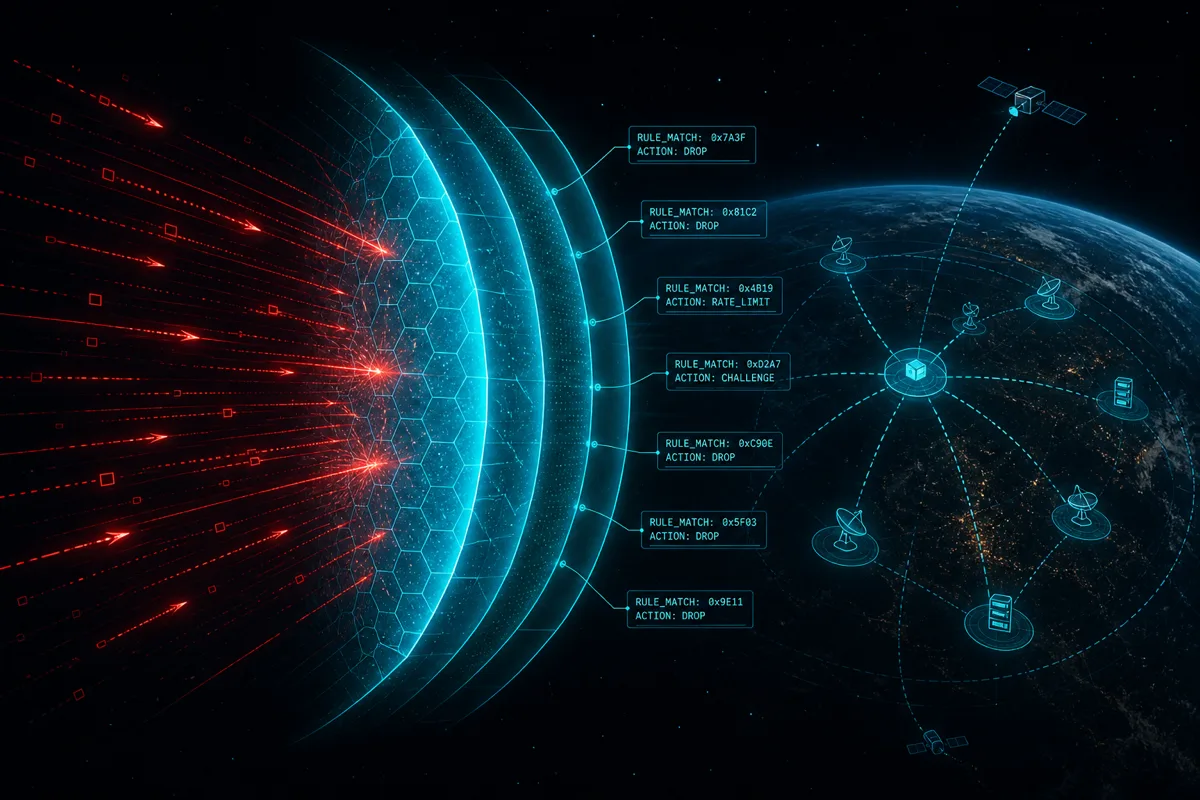
AWS WAF and Shield get installed for the obvious reason — stopping application-layer attacks and DDoS traffic — and then get left in their default configuration, which satisfies the "do we have a WAF" question on a security questionnaire without actually generating the evidence a SOC 2 or ISO 27001 auditor wants to see: what rules are active, what they've blocked, and whether anyone is actually looking at the logs.
Managed Rules Are the Starting Point, Not the Whole Control
AWS Managed Rules for WAF cover the common attack categories — SQL injection, known bad inputs, IP reputation lists — and are the fastest path to baseline coverage. They are not a complete control on their own for a compliance-mapped architecture, because default managed rule groups don't know your application's specific risk profile.
# terraform: WAF Web ACL with managed rule groups + custom rate limiting
resource "aws_wafv2_web_acl" "production" {
  name  = "production-waf"
  scope = "REGIONAL"

  default_action {
    allow {}
  }

  rule {
    name     = "aws-managed-common"
    priority = 1
    override_action {
      none {}
    }
    statement {
      managed_rule_group_statement {
        name        = "AWSManagedRulesCommonRuleSet"
        vendor_name = "AWS"
      }
    }
    visibility_config {
      cloudwatch_metrics_enabled = true
      metric_name                = "common-rule-set"
      sampled_requests_enabled   = true
    }
  }

  rule {
    name     = "rate-limit-per-ip"
    priority = 2
    action {
      block {}
    }
    statement {
      rate_based_statement {
        limit              = 2000
        aggregate_key_type = "IP"
      }
    }
    visibility_config {
      cloudwatch_metrics_enabled = true
      metric_name                = "rate-limit"
      sampled_requests_enabled   = true
    }
  }

  visibility_config {
    cloudwatch_metrics_enabled = true
    metric_name                = "production-waf"
    sampled_requests_enabled   = true
  }
}
The rate-based rule matters as much as the managed rule group for most mid-market applications — it's the control that catches application-layer abuse (credential stuffing, scraping, brute-force login attempts) that generic managed rules aren't tuned to catch, because it's specific to your application's normal traffic pattern, not a signature-based match against known attack payloads.
Logging Is the Evidence Layer — And It's Off by Default
A WAF that blocks attacks but doesn't log them satisfies the security requirement and fails the compliance requirement, because there's no record to show an auditor. WAF logging to a dedicated destination — not just the sampled CloudWatch metrics from the visibility config above — is a separate, explicit configuration step.
resource "aws_wafv2_web_acl_logging_configuration" "production" {
  resource_arn            = aws_wafv2_web_acl.production.arn
  log_destination_configs = [aws_cloudwatch_log_group.waf_logs.arn]

  redacted_fields {
    single_header {
      name = "authorization"
    }
  }
}
The redacted_fields block matters for privacy compliance — WAF logs capture full request details by default, including headers that may contain session tokens or credentials, and those need explicit redaction before the logs become a durable retained artifact rather than a compliance liability of their own.
Shield Standard Is Automatic; Shield Advanced Is a Decision, Not a Default
AWS Shield Standard is included automatically for every AWS customer and covers common network and transport layer DDoS attacks at no additional cost. Shield Advanced adds application-layer DDoS protection, cost protection against scaling charges incurred during an attack, and access to the AWS DDoS Response Team — but it's a paid, opt-in service that most mid-market companies haven't evaluated against their actual risk profile.
The decision point isn't "is Shield Advanced better" — it almost always is — it's whether the company's threat model (public-facing critical infrastructure, past DDoS incidents, contractual uptime commitments with financial penalties) justifies the cost. A company with modest public traffic and no history of targeted attacks may reasonably rely on Shield Standard plus a well-configured WAF rate limit; a company with revenue-critical public APIs and prior incidents has a much clearer case for Advanced.
Mapping WAF/Shield to Compliance Controls
For SOC 2, WAF and Shield configuration and logs are evidence for CC6.6 (logical access controls preventing unauthorized access, extended to network-layer controls) and CC7.1/CC7.2 (system monitoring for security events). For ISO 27001, the mapping lands in A.8.20 (networks security) and A.8.16 (monitoring activities). The evidence an auditor wants is consistent regardless of framework: documented rule configuration, retained logs showing the rules are active and matching traffic, and a demonstrated review process for tuning rules based on what the logs show — not just "we have a WAF" as a checkbox.
Frequently Asked Questions
Do AWS Managed Rules alone satisfy a SOC 2 network security control?
They're a reasonable baseline but rarely sufficient on their own. Auditors increasingly expect evidence of application-specific tuning (rate limiting, custom rules for known abuse patterns) beyond generic managed rule groups, plus retained logs demonstrating the rules are actively matching and blocking traffic.
Is Shield Advanced required for SOC 2 or ISO 27001 compliance?
No — neither framework mandates a specific DDoS protection tier. Shield Standard, included automatically, satisfies the baseline expectation for most companies. Shield Advanced is a risk-based decision tied to the company's actual threat model and uptime commitments, not a compliance requirement.
How long should WAF logs be retained?
This should match your broader security log retention policy, which is typically driven by the strictest applicable framework or contractual requirement — commonly 90 days to 1 year for active investigation capability, with longer cold storage retention for audit evidence purposes where required.
What's the most common WAF misconfiguration found during a review?
Managed rules deployed in "count" mode (logging matches without blocking) left permanently in count mode instead of transitioning to block mode after a validation period — this looks like protection is active but nothing is actually being blocked, which is a finding when an auditor checks actual block metrics against the claimed configuration.
Does WAF logging redaction affect our ability to investigate an incident?
Redacting specific sensitive fields (authorization headers, session cookies) doesn't meaningfully impair incident investigation — the request metadata, source IP, matched rule, and action taken remain fully visible. What redaction prevents is credentials and tokens sitting in plaintext in a log store that itself becomes a target.
Rutagon designs WAF and Shield architecture mapped explicitly to the compliance controls your audit actually tests — managed rules, custom rate limiting, and evidence-ready logging.
Discuss your project → rutagon.com/contact | 907-841-8407 | contact@rutagon.com
Related reading: AWS Control Tower Guardrails for SOC 2 Compliance · AWS Organizations SCP Least Privilege · AWS Cloud Infrastructure Capability
External reference: AWS WAF Developer Guide