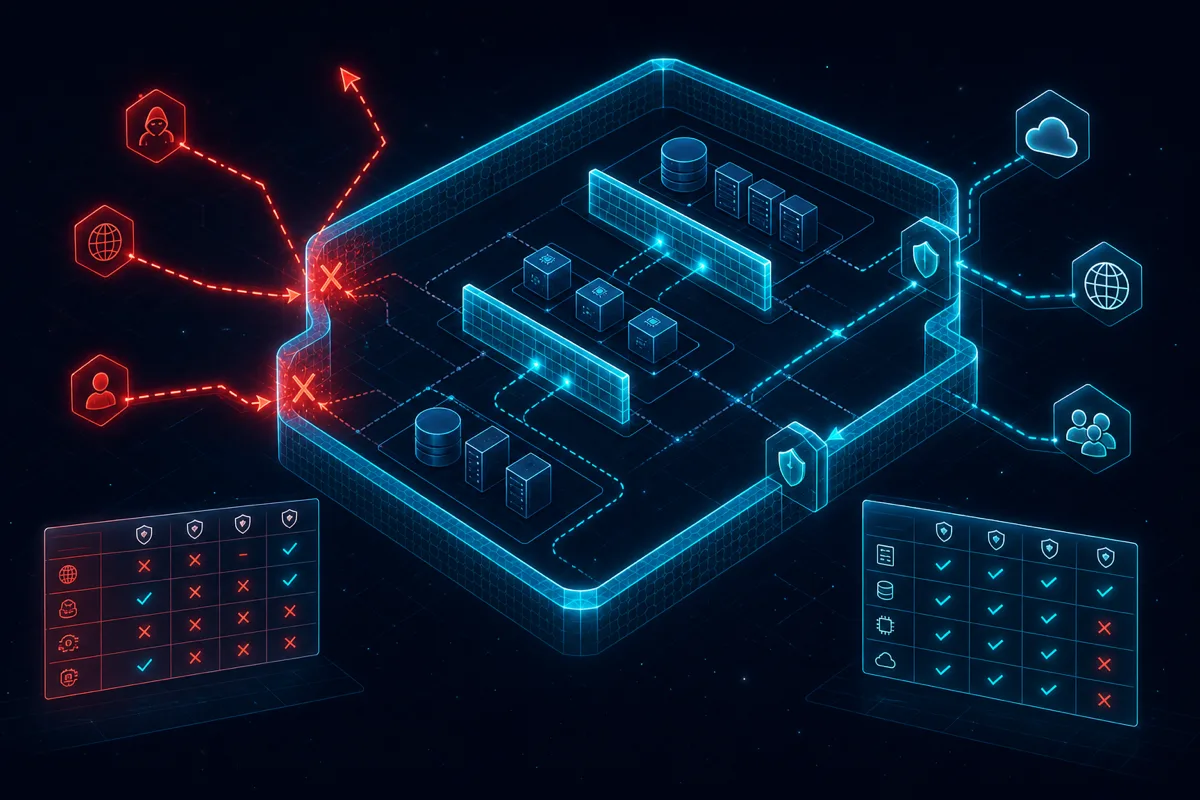
AWS security groups are the network perimeter for your cloud infrastructure. Misconfigured security groups are consistently among the most common causes of cloud security incidents — not because the concept is hard, but because default configurations are permissive, teams often copy-paste rules without understanding them, and nobody audits the accumulated rules over time. This post covers the practices that separate production-hardened security group configurations from the ones that show up in incident reports.
Security Group Fundamentals You Can't Skip
Security groups are stateful firewalls. This matters in practice: - Inbound rule: if you allow TCP 443 from 0.0.0.0/0, the response traffic is automatically allowed outbound - Outbound rules: the default outbound rule allows all traffic. This is often fine but worth understanding — your EC2 instances can initiate connections to anything by default - Security groups work on allow-only logic — there's no explicit deny. Traffic not matching any rule is blocked. - You can reference other security groups as source/destination rather than CIDR blocks — this is the key to maintainable inter-service access control
The Least-Privilege Security Group Architecture
Don't do this (too permissive):
resource "aws_security_group" "api_server" {
  name   = "api-server-sg"
  vpc_id = var.vpc_id

  ingress {
    from_port   = 0
    to_port     = 0
    protocol    = "-1"
    cidr_blocks = ["0.0.0.0/0"]  # WRONG: allows all traffic from anywhere
  }

  egress {
    from_port   = 0
    to_port     = 0
    protocol    = "-1"
    cidr_blocks = ["0.0.0.0/0"]
  }
}
Do this (least-privilege):
# ALB security group — only public HTTPS
resource "aws_security_group" "alb" {
  name   = "alb-sg"
  vpc_id = var.vpc_id

  ingress {
    from_port   = 443
    to_port     = 443
    protocol    = "tcp"
    cidr_blocks = ["0.0.0.0/0"]  # ALB accepts public HTTPS
  }

  ingress {
    from_port   = 80
    to_port     = 80
    protocol    = "tcp"
    cidr_blocks = ["0.0.0.0/0"]  # For HTTP→HTTPS redirect
  }

  egress {
    from_port       = 8080
    to_port         = 8080
    protocol        = "tcp"
    security_groups = [aws_security_group.api_server.id]  # Only to API servers
  }
}

# API server — only from ALB
resource "aws_security_group" "api_server" {
  name   = "api-server-sg"
  vpc_id = var.vpc_id

  ingress {
    from_port       = 8080
    to_port         = 8080
    protocol        = "tcp"
    security_groups = [aws_security_group.alb.id]  # Only from ALB
  }

  egress {
    from_port       = 5432
    to_port         = 5432
    protocol        = "tcp"
    security_groups = [aws_security_group.database.id]  # Only to DB
  }

  egress {
    from_port   = 443
    to_port     = 443
    protocol    = "tcp"
    cidr_blocks = ["0.0.0.0/0"]  # For outbound AWS API calls
  }
}

# Database — only from API servers
resource "aws_security_group" "database" {
  name   = "database-sg"
  vpc_id = var.vpc_id

  ingress {
    from_port       = 5432
    to_port         = 5432
    protocol        = "tcp"
    security_groups = [aws_security_group.api_server.id]  # Only from API servers
  }
}
This "security group chain" pattern — where each tier only accepts traffic from the specific security group of the upstream tier — is more maintainable and more secure than CIDR-based rules for inter-service traffic. If you add a new API server, it automatically gets database access because it's in the api_server security group; you don't need to update any rules.
Common Misconfigurations That Get Teams Breached
Port 22 open to 0.0.0.0/0: The most common finding in cloud security audits. SSH should never be open to the internet in production. Use AWS Systems Manager Session Manager for shell access to EC2 instances — no open ports required, full audit logging of commands.
Port 3389 open to 0.0.0.0/0: Same problem for Windows instances. Use Systems Manager or VPN for RDP access.
Wide CIDR ranges: 10.0.0.0/8 as a source allows access from your entire corporate network. If you need to allow access from specific services, use security group references, not broad CIDR ranges.
Database ports accessible to internet: RDS should never have inbound rules from 0.0.0.0/0 on database ports. Check for this specifically — it's a complete data exposure.
Overly permissive egress: Default outbound allows all traffic. While this is usually fine, for sensitive workloads (financial processing, PII handling), restrict egress to only required destinations. Exfiltration via DNS or HTTPS to attacker infrastructure is harder when egress is locked down.
Accumulated dead rules: Security groups accumulate rules as the architecture evolves. Rules added for a deprecated service, a temporary fix, or a developer's "just open this up while I test" request often persist indefinitely. Audit and remove dead rules.
Automated Audit with AWS Config
import boto3
import json

config = boto3.client("config", region_name="us-east-1")

def create_ssh_public_access_rule() -> str:
    """Create Config rule that flags SSH open to 0.0.0.0/0."""
    response = config.put_config_rule(
        ConfigRule={
            "ConfigRuleName": "restricted-ssh",
            "Description": "Flags security groups with SSH open to 0.0.0.0/0",
            "Source": {
                "Owner": "AWS",
                "SourceIdentifier": "INCOMING_SSH_DISABLED",
            },
            "Scope": {
                "ComplianceResourceTypes": ["AWS::EC2::SecurityGroup"]
            }
        }
    )
    return response["ConfigRule"]["ConfigRuleArn"]

def get_noncompliant_sgs(rule_name: str) -> list[dict]:
    """Get list of security groups failing compliance check."""
    response = config.get_compliance_details_by_config_rule(
        ConfigRuleName=rule_name,
        ComplianceTypes=["NON_COMPLIANT"],
    )

    return [{
        "resource_id": item["EvaluationResultIdentifier"]["EvaluationResultQualifier"]["ResourceId"],
        "compliance_type": item["ComplianceType"],
        "annotation": item.get("Annotation", ""),
    } for item in response["EvaluationResults"]]
AWS Config has managed rules for common security group checks: INCOMING_SSH_DISABLED, RESTRICTED_INCOMING_TRAFFIC (port 3389), and VPC_SG_OPEN_ONLY_TO_AUTHORIZED_PORTS. Enable all three and set up SNS notifications for non-compliant resources.
VPC Flow Logs for Security Group Audit
Enable VPC Flow Logs to get actual traffic data — not just what rules allow, but what traffic is actually happening:
resource "aws_flow_log" "vpc_flow_logs" {
  iam_role_arn    = aws_iam_role.flow_logs.arn
  log_destination = aws_cloudwatch_log_group.flow_logs.arn
  traffic_type    = "ALL"  # ACCEPT, REJECT, or ALL
  vpc_id          = var.vpc_id
}
Use flow log data to: - Identify ports with no actual traffic (candidates for rule removal) - Detect unexpected source IP patterns (security incidents often visible in flow logs before alerts fire) - Validate that security group changes have the expected traffic effect
Rutagon Audits and Hardens Cloud Infrastructure
If your AWS security groups need a systematic audit and remediation pass, or if you're building new infrastructure and want it right from the start, Rutagon provides security group architecture and compliance remediation. Contact us at rutagon.com/contact.
See also: multi-region AWS architecture and cloud security capabilities.
FAQ
Should I use NACLs or security groups for VPC access control?
Use security groups as your primary control — they're stateful, easier to maintain, and sufficient for most use cases. NACLs (Network Access Control Lists) are stateless, operate at the subnet level, and are harder to reason about for complex applications. The primary use case for NACLs is blocking known malicious IP ranges at the subnet level — use security groups for everything else.
How many security groups can a single EC2 instance have?
Up to 5 security groups per network interface (ENI), and up to 5 ENIs per instance type (varies by instance type). Rules from all assigned security groups are evaluated together — an inbound connection is allowed if any attached security group has a matching allow rule. Use multiple security groups when you need composable rule sets (e.g., a "base" security group for all instances plus a "database-access" group for only those instances that need DB access).
How do I check for unused security groups?
Unused security groups (not associated with any active resource) don't cost money but add confusion. AWS Config's EC2_SECURITY_GROUP_ATTACHED_TO_ENI_PERIODIC rule identifies security groups not attached to any network interface. Lambda + EventBridge can automate weekly cleanup notifications for unused security groups.
Can I import existing security groups into Terraform?
Yes — terraform import aws_security_group.example sg-XXXXXXXX imports an existing security group into Terraform state. After import, run terraform plan to see the delta between your Terraform definition and the actual resource — you'll need to write Terraform config that matches the actual resource to make the plan clean before proceeding.
What's the security implication of security groups with no inbound rules?
A security group with no inbound rules allows no inbound traffic — all inbound connections are blocked. This is fine for purely outbound services (Lambda functions making outbound API calls, EC2 instances pulling from S3) and is actually more secure than a permissive default. Verify that your application actually needs the inbound rules you've defined — teams often define inbound rules "just in case" that aren't actually used.