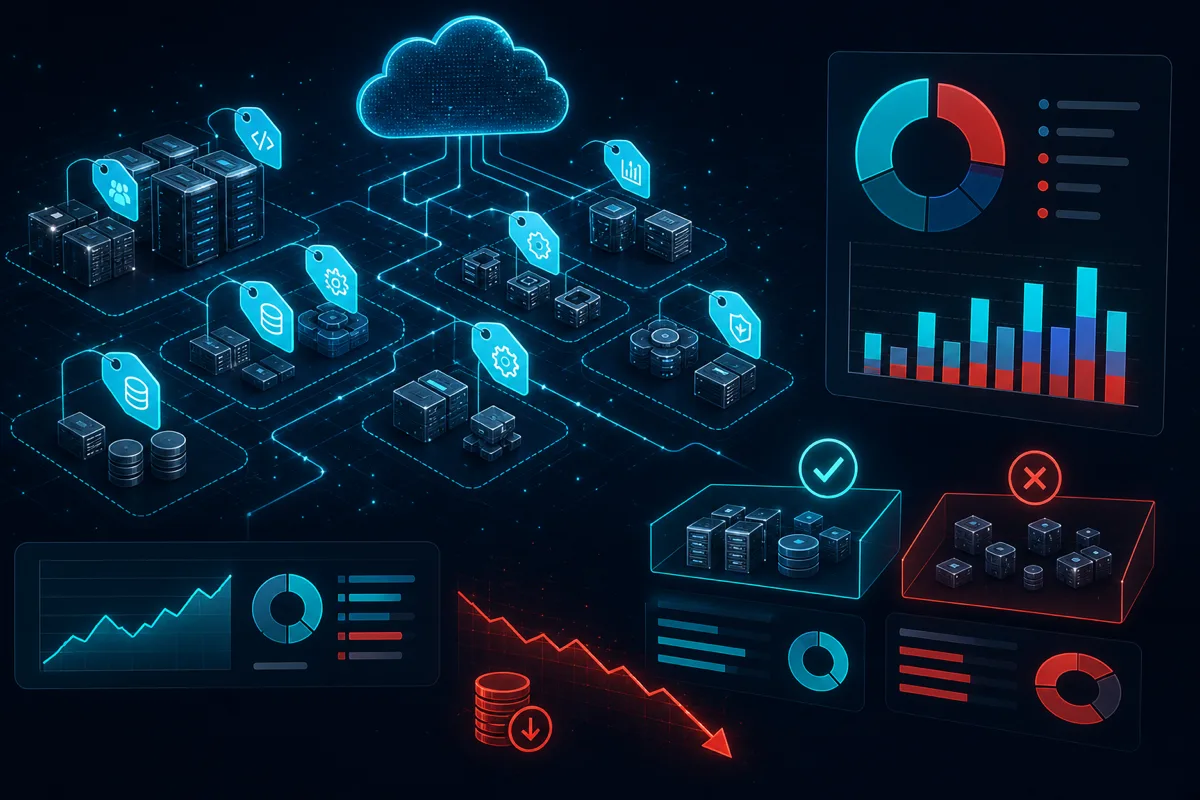
AWS cost allocation tags are the foundation of FinOps — without them, you know what your total AWS bill is but not what's causing it. With them, you can attribute every dollar to a service, team, environment, or cost center. The problem: most tag implementations fail within 90 days because they're implemented as a request with no enforcement, and developers stop tagging as soon as they're busy.
Here's how to build tag enforcement that sticks.
What Tags You Actually Need
Before tagging everything, define the minimum tag set that answers your actual business questions:
Essential tags (enforce these from day one):
Environment: prod | staging | dev | sandbox
Team: engineering | data | platform | marketing | [your teams]
Service: api-gateway | worker | ml-pipeline | [your service names]
CostCenter: [finance billing code]
Optional but valuable:
Project: [specific project or feature]
Owner: [team lead email for ops escalation]
ManagedBy: terraform | cloudformation | manual
AutoOff: true  (for dev/sandbox instances that should auto-terminate)
Don't over-engineer the tag schema. A 3-tag enforcement that actually works beats a 12-tag requirement that's 40% compliant. Start with the minimum that gives you meaningful cost attribution.
Tag Activation in AWS Billing Console
Creating tags on resources doesn't automatically make them available in Cost Explorer. You must activate cost allocation tags in the AWS Billing Console:
- Navigate to AWS Billing Console → Cost Allocation Tags
- Select "AWS-generated cost allocation tags" or "User-defined cost allocation tags"
- Find your tags and click "Activate"
- Wait 24-48 hours for activated tags to appear in Cost Explorer data
This 24-48 hour lag catches teams off guard. Tags activated today won't be visible in Cost Explorer reporting until tomorrow. Plan for this propagation delay when implementing.
AWS-generated tags (like aws:createdBy) can also be activated — useful for identifying who created a resource when team tags are missing.
Terraform Enforcement
Honor-system tagging doesn't work. Enforce tags in Terraform through a combination of required variables and validation:
# variables.tf — define required tag variables
variable "environment" {
  description = "Environment name"
  type        = string
  validation {
    condition     = contains(["prod", "staging", "dev", "sandbox"], var.environment)
    error_message = "Environment must be prod, staging, dev, or sandbox."
  }
}

variable "team" {
  description = "Owning team name"
  type        = string
  validation {
    condition     = contains(["engineering", "data", "platform", "marketing"], var.team)
    error_message = "Team must be one of: engineering, data, platform, marketing."
  }
}

variable "service" {
  description = "Service name this resource belongs to"
  type        = string
}

variable "cost_center" {
  description = "Finance cost center code"
  type        = string
}

# locals.tf — build required tags map used across all resources
locals {
  required_tags = {
    Environment = var.environment
    Team        = var.team
    Service     = var.service
    CostCenter  = var.cost_center
    ManagedBy   = "terraform"
  }
}

# main.tf — merge required tags with any resource-specific tags
resource "aws_lambda_function" "api_handler" {
  function_name = "${var.service}-${var.environment}-handler"
  # ... function config

  tags = merge(local.required_tags, {
    Name = "${var.service}-api-handler"
  })
}
This approach ensures every resource created through Terraform includes the required tags. Missing required variables causes a plan validation error before any resources are created.
AWS Config for Tag Compliance Detection
Terraform enforcement catches new resources. AWS Config detects existing non-compliant resources and resources created outside of Terraform:
import boto3
import json

config = boto3.client("config", region_name="us-east-1")

def create_required_tags_rule(required_tags: list[str]) -> str:
    """Create AWS Config rule for required tag enforcement."""
    response = config.put_config_rule(
        ConfigRule={
            "ConfigRuleName": "required-tags-enforcement",
            "Description": "Flags resources missing required cost allocation tags",
            "Source": {
                "Owner": "AWS",
                "SourceIdentifier": "REQUIRED_TAGS",
            },
            "InputParameters": json.dumps({
                "tag1Key": required_tags[0] if len(required_tags) > 0 else "",
                "tag2Key": required_tags[1] if len(required_tags) > 1 else "",
                "tag3Key": required_tags[2] if len(required_tags) > 2 else "",
                "tag4Key": required_tags[3] if len(required_tags) > 3 else "",
            }),
            "Scope": {
                "ComplianceResourceTypes": [
                    "AWS::EC2::Instance",
                    "AWS::Lambda::Function",
                    "AWS::DynamoDB::Table",
                    "AWS::RDS::DBInstance",
                    "AWS::S3::Bucket",
                ]
            }
        }
    )
    return response["ConfigRule"]["ConfigRuleArn"]
Config rules generate compliance reports showing which resources are missing required tags. Use this for monthly tag compliance reporting — any resource showing non-compliant for 30+ days should trigger a team alert.
SCP Enforcement (Nuclear Option)
For organizations where voluntary compliance and Config alerts aren't producing results, Service Control Policies (SCPs) can block resource creation without required tags:
{
  "Version": "2012-10-17",
  "Statement": [
    {
      "Sid": "DenyLambdaWithoutRequiredTags",
      "Effect": "Deny",
      "Action": "lambda:CreateFunction",
      "Resource": "*",
      "Condition": {
        "Null": {
          "aws:RequestTag/Team": "true",
          "aws:RequestTag/Environment": "true"
        }
      }
    }
  ]
}
SCPs are powerful but disruptive — teams with workflows that don't yet include proper tags will suddenly be blocked. Implement SCPs after a clear announcement period with compliance training, not as a surprise. Start with SCPs on dev/sandbox environments before applying to production.
Handling Untaggable Resources
Some AWS resources don't support tagging (certain managed service resources, support plans, marketplace subscriptions). AWS Cost Explorer has "Split cost allocation data" for some managed services. For untaggable resources, allocate their costs proportionally based on tagged resource consumption as a reasonable approximation.
Track your untaggable resource percentage — if it's above 10% of your bill, document why and account for it in cost allocation reporting.
Tag-Based Cost Reports in Cost Explorer
With tags properly activated and applied, build these Cost Explorer saved views:
Team cost dashboard: Group by Team tag, filter to date range. Shows each team's monthly AWS spend. Share with team leads — accountability requires visibility.
Service-level breakdown: Group by Service tag. Answers "which service is causing our cost increase?"
Environment comparison: Group by Environment tag. Production vs. staging vs. dev spend. Dev/sandbox should be a small fraction of production — if it's not, investigate.
Untagged resource cost: Filter to "No tag value" for your required tags. Shows the cost of your tagging coverage gap. Target: <5% of total spend.
Rutagon Implements FinOps Tag Infrastructure
If your AWS cost allocation is opaque or your existing tagging system has degraded into inconsistency, Rutagon implements enforcement, activates Cost Explorer coverage, and builds the reporting that makes cost attribution actionable. Contact us at rutagon.com/contact.
See also: AWS cost monitoring setup and FinOps capabilities at Rutagon.
FAQ
How do I tag existing resources that were created without tags?
AWS Tag Editor (in the Resource Groups & Tag Editor console) provides bulk tagging across resource types. You can search by resource type, filter by missing tags, and apply tags in bulk. For large-scale tag remediation across hundreds or thousands of resources, a script using AWS Resource Groups Tagging API is more practical than the console.
Do tags affect performance or cost themselves?
Tags have no performance impact. There's no cost for creating or storing tags on AWS resources. The only indirect cost is if tag enforcement adds process overhead to your deployment pipeline — which is worth it for the visibility gained.
How do you handle third-party AWS resources (vendor-deployed CloudFormation, marketplace products)?
Third-party resources are often untaggable by you (they're deployed into your account by a vendor and may not support custom tags). Identify these resources and allocate their costs to a "vendor" or "platform" cost center in your reporting. Include them in your untagged resource documentation so finance understands why 100% allocation isn't achievable.
What happens if a team changes names or a service is decommissioned?
Keep the old tag value active for historical Cost Explorer queries — renaming or removing tag values breaks your ability to query historical data under the old name. Instead: add new resources with the new tag values, keep old resources with their original tags until decommissioned, and document the mapping between old and new values in your FinOps documentation.
Should tags use capitalized keys or lowercase?
Pick one and enforce it consistently. AWS treats Team and team as different tags — using both creates fragmented Cost Explorer data. Most organizations use PascalCase for keys (Environment, Team, Service) — it reads cleanly in Cost Explorer. Whatever you choose, validate it in your Terraform resource definitions with input validation rules.