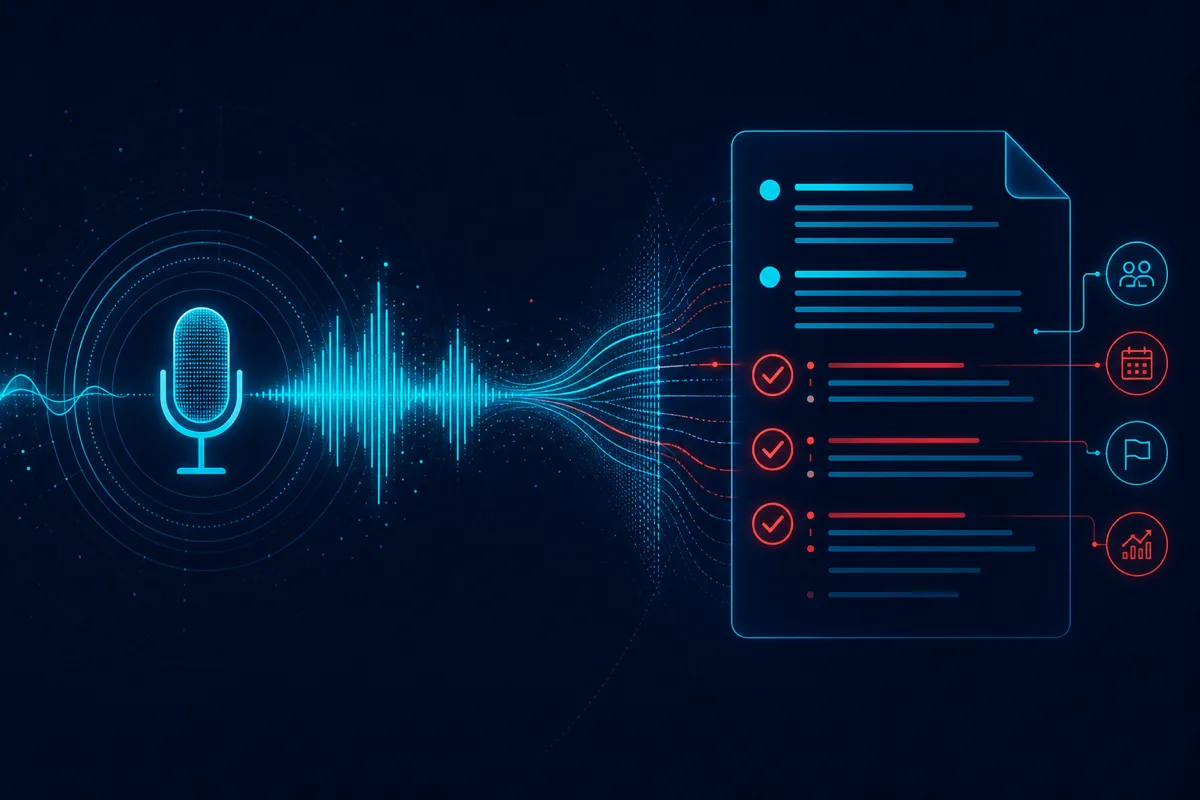
Generic meeting transcription tools produce a wall of text. Operations teams don't need a transcript — they need structured action items assigned to owners, synced to the systems where work actually happens. That gap between "we have a transcript" and "the CRM updated itself" is where most meeting automation projects stall.
This is the architecture we use to close that gap for operations-heavy teams: sales, customer success, and account management groups running dozens of external meetings a week.
Why Transcription Alone Doesn't Solve the Problem
A raw transcript answers "what was said." Operations teams need answers to different questions: What commitments were made? Who owns the next step? What changed in the deal or account status? Did anything get promised that contradicts our current pricing or scope?
Generic tools (built for general knowledge workers) stop at transcription plus a generic summary. Operations-specific automation requires domain-aware extraction — the system needs to understand what an "action item" looks like in a sales call versus a customer success check-in versus an internal planning meeting, and route each differently.
Core Architecture
Ingestion layer: Audio or video feed from the meeting platform (Zoom, Google Meet, Teams) via native recording APIs or a bot that joins the call. Real-time streaming transcription (we typically use Whisper-family models or platform-native transcription APIs) produces a raw transcript with speaker diarization.
Extraction layer: An LLM pass over the transcript extracts structured entities — action items with owners and due dates, decisions made, open questions, sentiment signals (for sales/CS calls), and any numbers or commitments mentioned (pricing, timelines, quantities). This is where prompt engineering and few-shot examples specific to your meeting types matter most; a generic "summarize this meeting" prompt produces generic, low-value output.
Validation layer: Before anything writes to a downstream system, a validation pass checks extracted items against business rules — does this action item have a plausible owner (someone who was actually in the meeting)? Does a mentioned price match anything in an approved range? Flag anomalies for human review rather than writing them silently.
Integration layer: Structured output writes to the relevant system — CRM activity logs and next-step fields for sales calls, ticketing systems for support-related action items, project management tools for internal planning meetings. This requires field-level mapping per meeting type and per destination system, which is the most underestimated engineering effort in these projects.
Distribution layer: Summary and action items delivered to attendees and relevant stakeholders — typically Slack or email, formatted for scanning in under 30 seconds, not another document to open and read.
Handling the Hard Cases
Cross-talk and interruptions. Real meetings aren't clean turn-taking. Diarization accuracy drops significantly during overlapping speech. Budget for a meaningful error rate here and design your extraction prompts to be robust to imperfect transcripts rather than assuming clean input.
Action items without explicit owners. "We should follow up on this" doesn't name anyone. Your extraction logic needs a fallback rule (default to meeting organizer, or flag as unassigned for manual triage) rather than guessing incorrectly and creating false confidence in an unowned task.
Sensitive information in recordings. Meetings often include information that shouldn't flow automatically into every downstream system — compensation discussions, personnel matters, or client-confidential details mentioned off-topic. Build explicit redaction or exclusion rules for meeting types where this risk is elevated, rather than assuming every meeting is safe to fully automate.
Multi-language and accented speech. If your team operates internationally, transcription accuracy varies significantly by language and accent. Test with your actual team's speech patterns before rolling out broadly, not just with clean demo audio.
Measuring Success
Track adoption (are people actually reading the generated summaries, or ignoring them?), CRM data completeness before and after rollout (are next-step fields actually getting populated now?), and time saved on manual note-taking and follow-up drafting. The real ROI signal isn't "we generated summaries" — it's whether downstream systems of record actually improved in accuracy and completeness.
Rutagon builds production AI automation for operations teams that need more than a transcript. Contact us to discuss a meeting automation architecture for your organization.
Frequently Asked Questions
How accurate is AI meeting note extraction compared to a human note-taker?
For well-structured meetings with clear speakers, extraction accuracy for action items and decisions is generally strong, though it varies by meeting type. Sales and customer calls with clear commitments extract cleanly; free-form brainstorming sessions extract less reliably. Human review of flagged edge cases remains valuable even in a mature system.
Can this integrate with our existing CRM without custom development?
Some CRMs have pre-built integrations for common meeting automation platforms, but field-level mapping specific to your sales process (custom fields, stage definitions, next-step taxonomy) typically requires custom integration work to be genuinely useful rather than just dumping raw notes into a generic field.
What happens to sensitive information discussed in a recorded meeting?
This should be addressed explicitly in your architecture with redaction rules or meeting-type exclusions, not left to chance. Compensation discussions, personnel matters, and confidential client details need defined handling before you roll out automation broadly.
How long does it take to implement meeting notes automation for an operations team?
A focused implementation for a single meeting type (e.g., sales calls to CRM) typically takes 4-8 weeks including integration testing. Expanding to multiple meeting types and destination systems extends the timeline based on the number of integrations and validation rules needed.
Does this replace the need for anyone to take notes manually?
For most well-structured recurring meeting types, yes, largely. For high-stakes or unusually complex meetings, many teams keep a human reviewing the AI-generated output before it's finalized, treating the automation as a first draft rather than a fully autonomous system.