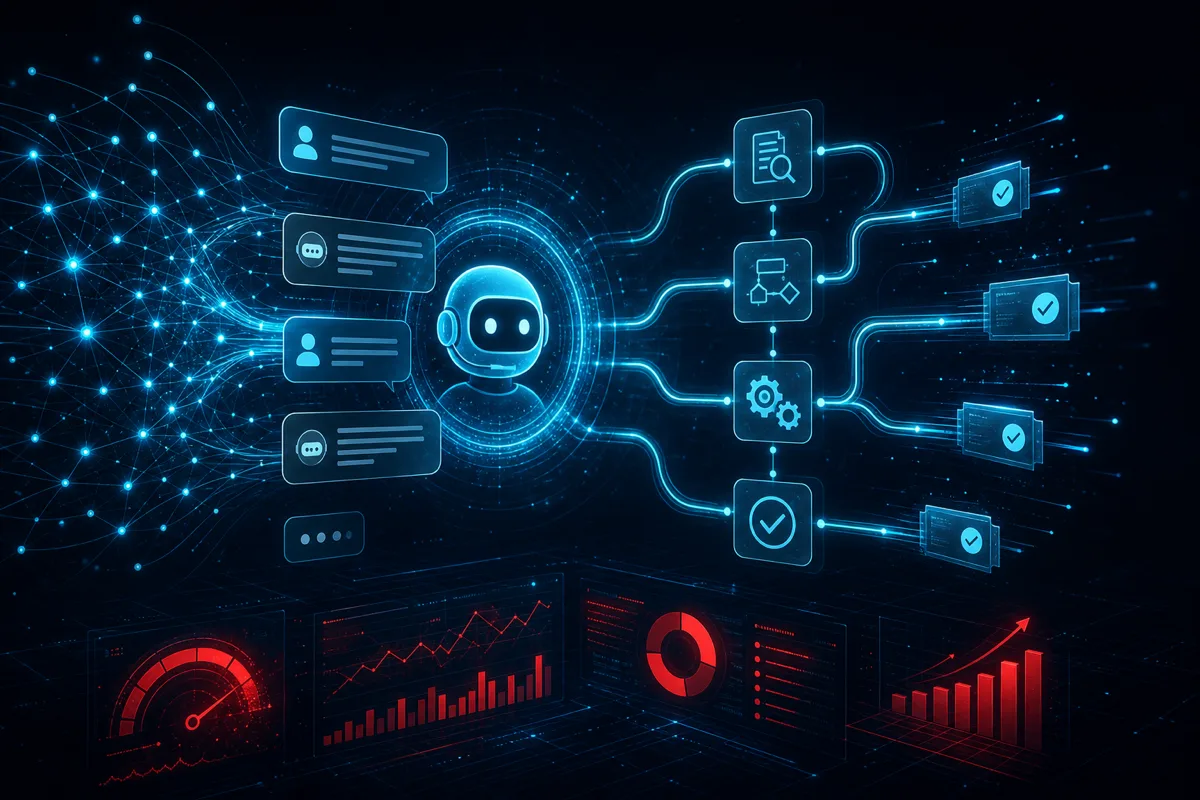
AI customer service automation fails when it's designed to deflect customers rather than help them. The bots that make customers angry aren't slow — they're evasive. They answer adjacent questions, generate plausible-sounding non-answers, and force customers to repeat themselves across channels. The approach that actually works is architecturally different: design for resolution, not containment.
Here's how we build customer service AI that resolves issues, learns from escalations, and integrates cleanly with your support stack.
Resolution-First vs. Containment-First Architecture
Containment-first (the common failure mode): The AI tries to keep tickets from reaching human agents. Success metric: deflection rate. Result: customers who aren't actually helped call back, open another ticket, leave negative reviews, or churn.
Resolution-first: The AI tries to resolve the customer's actual problem. If it can't resolve it, it escalates with context rather than routing to a queue where the customer starts over. Success metric: resolution rate and customer satisfaction on AI-handled tickets.
The containment-first approach produces short-term deflection numbers that look good and long-term customer satisfaction numbers that don't. Resolution-first requires more sophisticated AI and better integration with your data systems — but produces outcomes that hold up under scrutiny.
The Four Types of Customer Support Requests
Before automating, categorize your actual ticket types:
Type 1 — Lookup/status requests: "Where is my order?" "What's my current plan?" "When does my subscription renew?" These are pure data retrieval — the customer needs a piece of information you have. AI resolves these almost trivially with the right integrations.
Type 2 — Standard process requests: "Cancel my subscription." "Change my delivery address." "Apply this promo code." The customer wants a specific action taken — the action is well-defined and can be executed via API integration. High automation potential; requires proper permissions and undo mechanisms.
Type 3 — Diagnostic/troubleshooting requests: "Why isn't X working?" These require multi-step reasoning: gathering context, hypothesizing causes, suggesting solutions, verifying resolution. AI handles routine troubleshooting well but needs reliable escalation when the problem is novel.
Type 4 — Judgment/exception requests: "I'm a long-time customer and I want a refund for this charge." "I missed the cancellation deadline but my situation was X." These require discretion, policy interpretation, and often human judgment. Automate the data gathering; keep the judgment human.
Build automation priority around Type 1 and 2 first — high success rate, low risk, immediate ROI. Types 3 and 4 require more sophisticated design and clear escalation paths.
Integration Architecture
Customer service AI needs integrations to resolve anything meaningful:
class CustomerServiceAgent:
    def __init__(self, integrations: ServiceIntegrations):
        self.tools = [
            # Read-only lookups
            lookup_order_status,
            lookup_account_info,
            lookup_subscription_details,
            search_knowledge_base,
            # Write actions (with permission checks)
            update_delivery_address,
            apply_promo_code,
            initiate_return,
            # Escalation
            create_support_ticket_with_context,
            transfer_to_human_with_summary,
        ]
        self.integrations = integrations

    async def handle_ticket(self, ticket: SupportTicket) -> TicketResponse:
        context = await self.integrations.get_customer_context(ticket.customer_id)

        response = await self.llm.run(
            system=self.build_system_prompt(context),
            messages=ticket.conversation_history,
            tools=self.tools,
        )

        return self.build_response(response, ticket)
Critical design choice: Tool permissions should match agent confidence. An AI should be able to look up account status unconditionally, execute a refund only if the situation meets defined criteria, and escalate to a human any time it encounters ambiguity. Build permission tiers into your tool definitions.
Handling Escalation Correctly
The moment customers hate most in AI support is being transferred to a human after explaining their problem, only to have to explain it again. Escalation with context eliminates this:
def transfer_to_human_with_summary(
    customer_id: str,
    conversation_id: str,
    issue_summary: str,
    customer_sentiment: Literal["neutral", "frustrated", "angry"],
    attempted_resolutions: list[str],
    recommended_action: str,
) -> EscalationResult:
    """
    Create a ticket in the human queue with full context so the
    customer never has to repeat themselves.
    """
    ticket = support_system.create_ticket(
        customer_id=customer_id,
        summary=issue_summary,
        conversation_transcript=get_transcript(conversation_id),
        sentiment=customer_sentiment,
        ai_attempted=attempted_resolutions,
        ai_recommendation=recommended_action,
        priority=priority_from_sentiment(customer_sentiment),
    )
    return EscalationResult(ticket_id=ticket.id, queue_position=ticket.queue_position)
The human agent opens a ticket that already contains: what the customer needs, what was already tried, how frustrated the customer is, and what the AI thinks the right resolution is. Human handling time drops significantly; customer satisfaction on escalated tickets improves.
Tone Calibration and Brand Voice
Generic AI responses have a distinct tone that customers recognize and distrust. Brand voice calibration happens in the system prompt:
SYSTEM_PROMPT_TEMPLATE = """
You are a customer support specialist for {company_name}.

Tone: {brand_voice_description}
- Empathetic but efficient — acknowledge frustration briefly, focus on resolution
- Use customer's name when known
- Match formality level to customer's message style
- Never use phrases like "Certainly!", "Absolutely!", "Of course!" — they read as hollow
- Never apologize more than once for the same issue

Resolution philosophy:
- Try to actually solve the problem before asking clarifying questions
- Ask at most one clarifying question at a time, not a list
- If you can look something up, do it rather than asking the customer

Customer context:
{customer_context}
"""
Test your system prompt against your 50 most common ticket types. Have human support agents evaluate AI responses blind — would they be comfortable sending this response themselves? Adjust until the answer is yes for 80%+ of the test cases.
Measuring What Matters
Metrics to track: - Resolution rate (tickets fully resolved by AI without human): primary quality metric - Escalation rate (tickets transferred to human): high escalation on easy ticket types indicates system problems - Customer satisfaction on AI-handled tickets (CSAT or thumbs up/down): ground truth on quality - False resolution rate (ticket re-opened after AI marked it resolved): catches AI reporting resolution without actual resolution - Average handle time for AI vs. human agents: efficiency metric
Explicitly do not optimize for deflection rate alone — it's a vanity metric that masks resolution quality.
Talk to Rutagon About Your Support Automation
If your customer support ticket volume is overwhelming your team or your existing chatbot isn't resolving anything meaningful, Rutagon builds resolution-first AI support systems that integrate with your existing stack. Talk to us at rutagon.com/contact.
See also: multi-agent workflow patterns and AI capabilities.
FAQ
What percentage of support tickets can AI realistically resolve?
Varies significantly by business type and ticket mix. SaaS companies with clean APIs and well-defined processes typically see 40-60% full automation rates on Type 1 and 2 tickets. E-commerce often reaches 60-70% on status/lookup tickets. Businesses with complex exception-heavy support (financial services, insurance) see lower automation rates but still significant efficiency gains through AI-assisted handling where the AI prepares information for human agents.
How do you prevent AI from making things worse — wrong refunds, wrong addresses, etc.?
Validation layers and reversibility requirements on all write actions. Before executing any action, the AI should confirm explicitly with the customer ("I'm about to cancel your subscription effective end of current billing period. Confirm?"). Build undo capabilities into every write action. Log all AI-executed actions with the reasoning used. Review AI error patterns weekly.
How do you handle customers who refuse to engage with AI and demand a human?
Respect it immediately. "I understand — I'm transferring you to our support team now" is the right response. Don't make customers fight for human access — it produces the most negative interactions. Track the rate of explicit human requests; high rates indicate your AI isn't instilling confidence.
Can AI handle emotionally difficult support situations (grief, health issues, financial hardship)?
The boundary should be: AI recognizes emotionally sensitive situations and escalates faster, not slower. A customer contacting support while clearly distressed should get an immediate human flag, not an AI attempting to handle sentiment. Build emotional distress detection (elevated frustration, mentions of hardship, explicit distress indicators) into your escalation logic.
What's the implementation timeline for customer service AI?
Realistic timeline: 4-8 weeks for MVP (handling Type 1 and 2 tickets with existing knowledge base integration), 3-6 months for production-quality system handling complex troubleshooting. The gap is usually in integration work (connecting to your order system, account system, etc.) and training/calibration cycles, not in the AI model itself.